Cómo convertir PNG a JPG para reducir el tamaño del archivo
Equipo de Anything Tools
||
6 min de lectura
|Conversión de imágenes
Cómo convertir PNG a JPG para reducir el tamaño del archivo
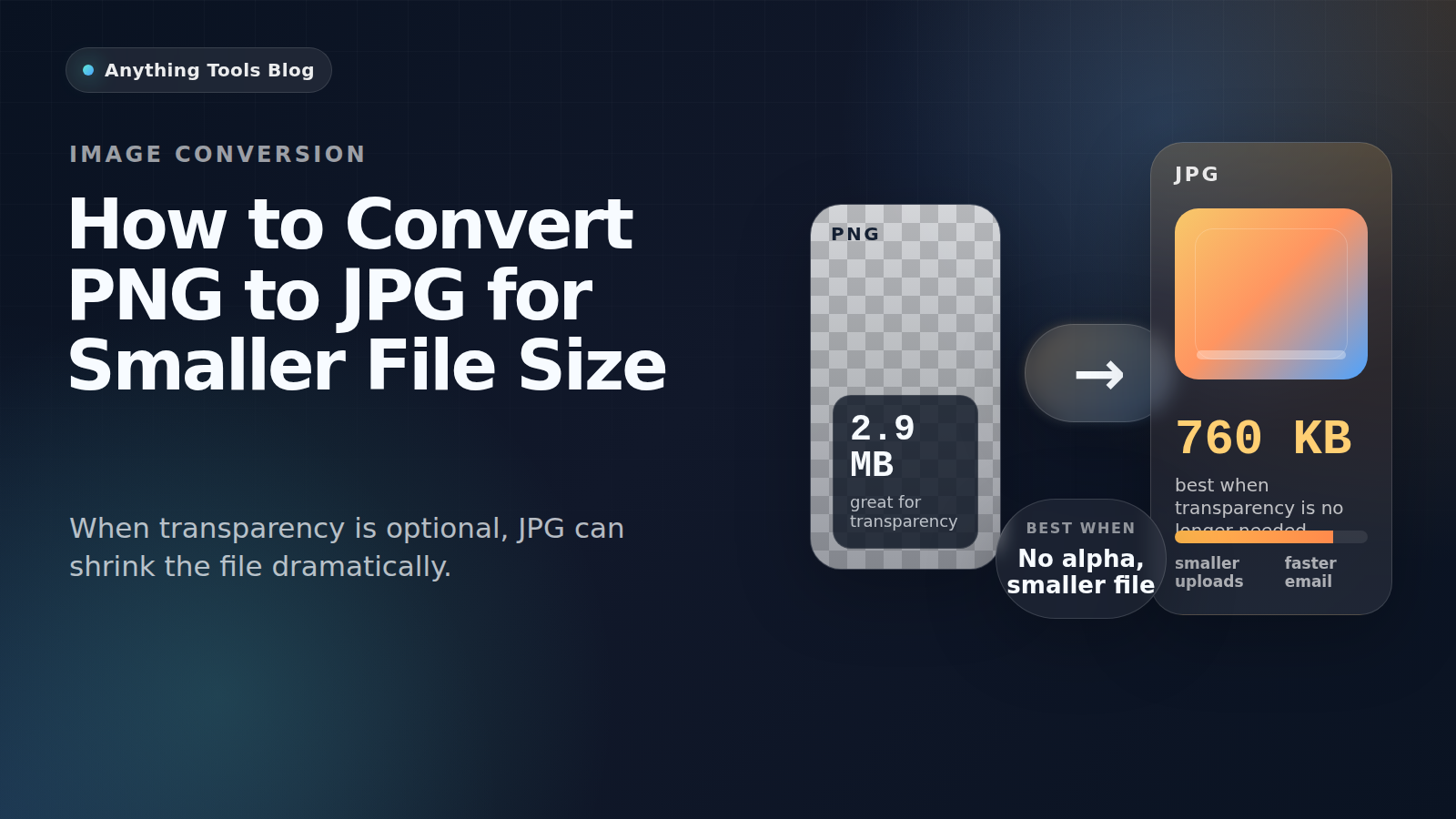
PNG es excelente para capturas, logos y gráficos transparentes. Pero si la imagen se comporta más como una foto y ya no necesita transparencia, PNG suele pesar demasiado.
Good candidates for conversion
PNG to JPG works best for photographs, flattened marketing visuals, blog headers, and product images that no longer need transparency.
When not to use JPG
Keep PNG for logos, icons, UI screenshots, tiny text, and any image that still requires transparency. JPG compression can blur edges and create artifacts.
Practical workflow
- Check whether transparency is still needed.
- Resize first with Image Resizer.
- Convert with PNG to JPG.
- Run a second pass in Image Compressor if necessary.
- Review the result at 100% zoom before publishing.
Why the size drop can be large
Design tools often export PNG losslessly. If the image is really a photo, JPG can reduce the size dramatically while keeping the result visually acceptable.
Final takeaway
Convert PNG to JPG when the image behaves like a photo. Keep PNG for transparency, sharp graphics, and text-heavy assets.