PNG를 JPG로 변환해 파일 크기를 줄이는 방법
Anything Tools Editorial
||
6 분 분량
|이미지 변환
PNG를 JPG로 변환해 파일 크기를 줄이는 방법
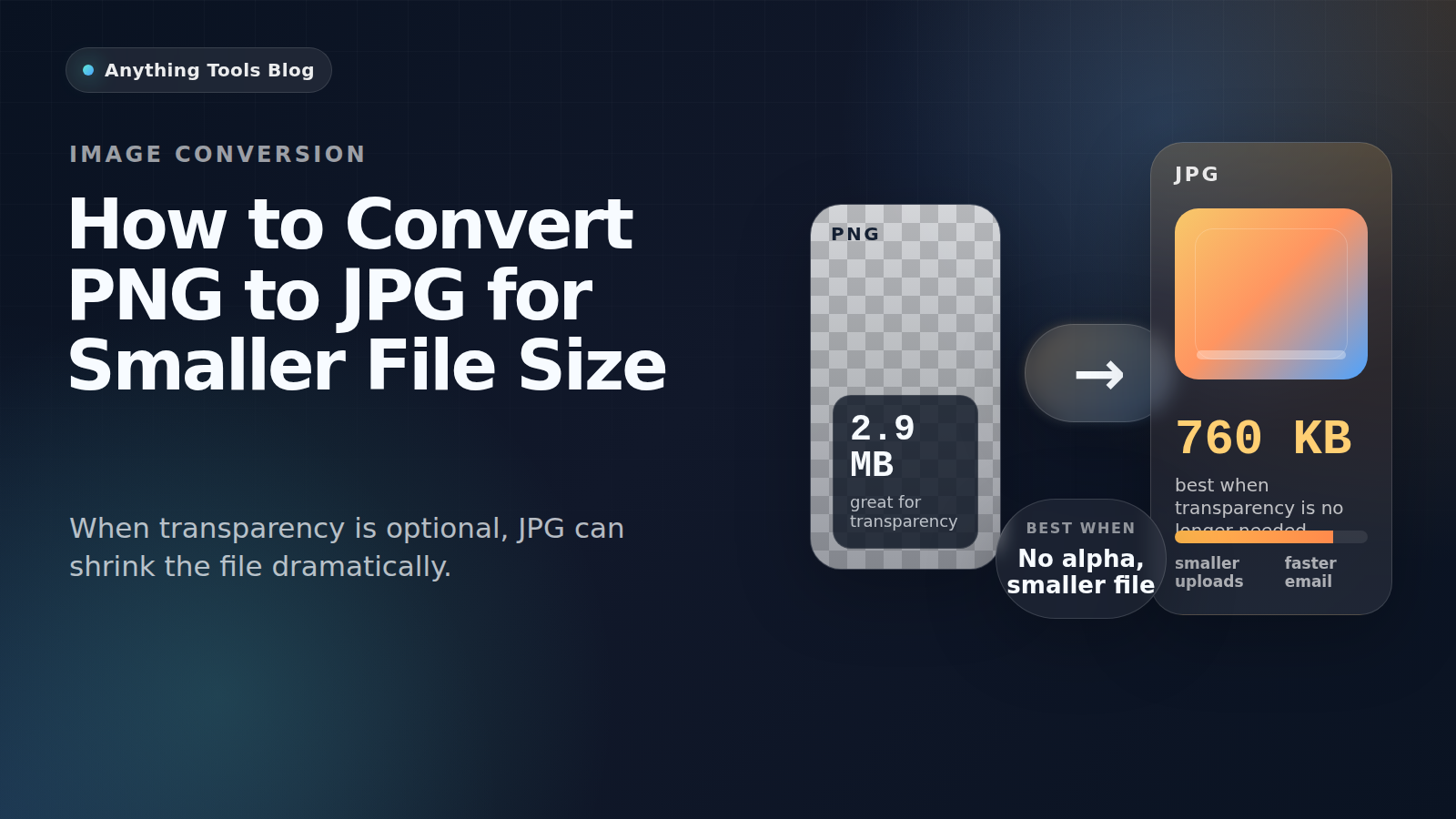
PNG는 스크린샷, 로고, 투명 그래픽에 좋습니다. 하지만 실제로는 사진에 가까운 이미지이고 투명 배경이 필요 없다면 PNG는 지나치게 클 수 있습니다.
Good candidates for conversion
PNG to JPG works best for photographs, flattened marketing visuals, blog headers, and product images that no longer need transparency.
When not to use JPG
Keep PNG for logos, icons, UI screenshots, tiny text, and any image that still requires transparency. JPG compression can blur edges and create artifacts.
Practical workflow
- Check whether transparency is still needed.
- Resize first with Image Resizer.
- Convert with PNG to JPG.
- Run a second pass in Image Compressor if necessary.
- Review the result at 100% zoom before publishing.
Why the size drop can be large
Design tools often export PNG losslessly. If the image is really a photo, JPG can reduce the size dramatically while keeping the result visually acceptable.
Final takeaway
Convert PNG to JPG when the image behaves like a photo. Keep PNG for transparency, sharp graphics, and text-heavy assets.