온라인에서 MD5와 SHA 해시를 생성하는 방법
온라인에서 MD5와 SHA 해시를 생성하는 방법
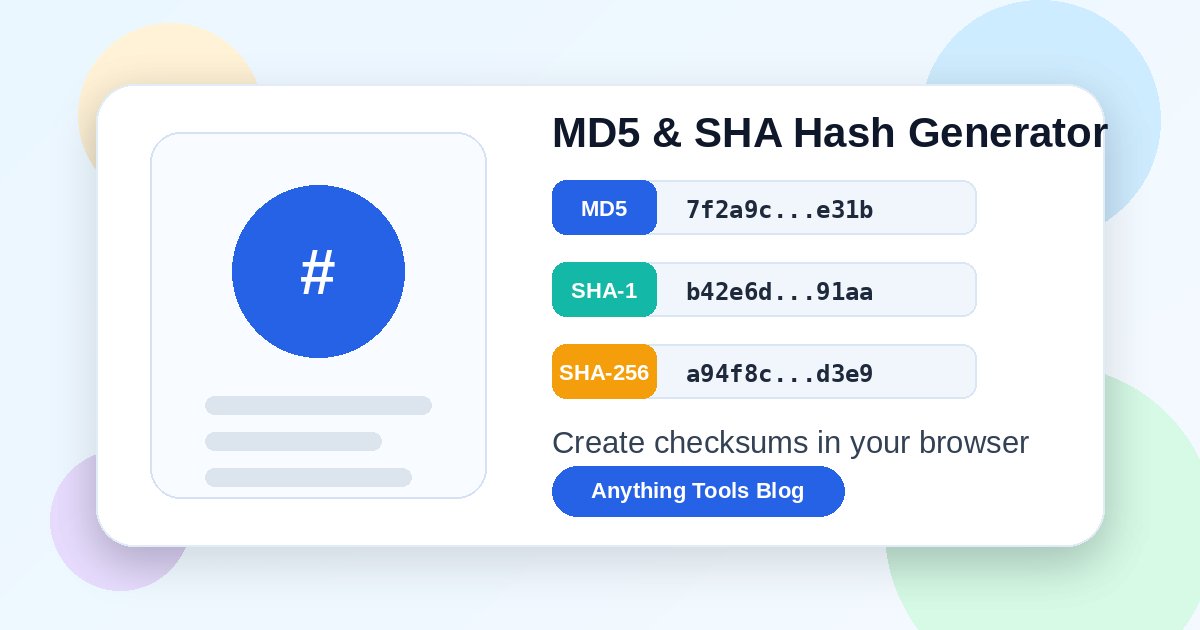
A hash turns text into a fixed-length fingerprint. Developers use hashes to compare files, verify copied values, document API examples, and create quick identifiers during debugging. If you need a lightweight workflow, open the Anything Tools Hash Generator, paste the value, and copy the MD5 or SHA result you need.
What a hash is useful for
Hashes are best when you need a repeatable fingerprint, not when you need to hide a secret. Common uses include:
- checking whether two strings or files are identical
- publishing a checksum next to a downloadable file
- comparing config snippets in tickets or documentation
- creating deterministic sample IDs for tests
- verifying that copied payloads did not change
For structured payloads, format the content first with the JSON Formatter so whitespace and key order decisions are intentional.
MD5, SHA-1, SHA-256, or SHA-512?
- MD5 is short and widely recognized, but it is not secure for cryptographic protection.
- SHA-1 is also legacy and should not be used for security decisions.
- SHA-256 is the practical default for modern checksums and fingerprints.
- SHA-512 is useful when a longer digest is acceptable or required by a system.
If you are documenting a public checksum, choose SHA-256 unless a platform specifically requires another algorithm.
Safe browser workflow
- Paste only the text or sample payload you actually need to hash.
- Select the algorithm required by your project.
- Copy the generated digest.
- Store the original input and digest together in your notes or release checklist.
- Re-run the hash after edits to confirm the value still matches.
This keeps the process fast and avoids installing command-line utilities for one-off checks.
Mistakes to avoid
- Do not treat MD5 as password protection.
- Do not hash sensitive production secrets in random tools.
- Do not compare hashes from differently formatted JSON unless formatting is controlled.
- Do not truncate a digest unless the receiving system explicitly allows it.
Conclusion
Online hash generation is most valuable for quick verification and documentation. Use the Hash Generator for checksums and pair it with the JSON Formatter when your input is a structured payload.