이커머스용 제품 이미지를 준비하는 방법
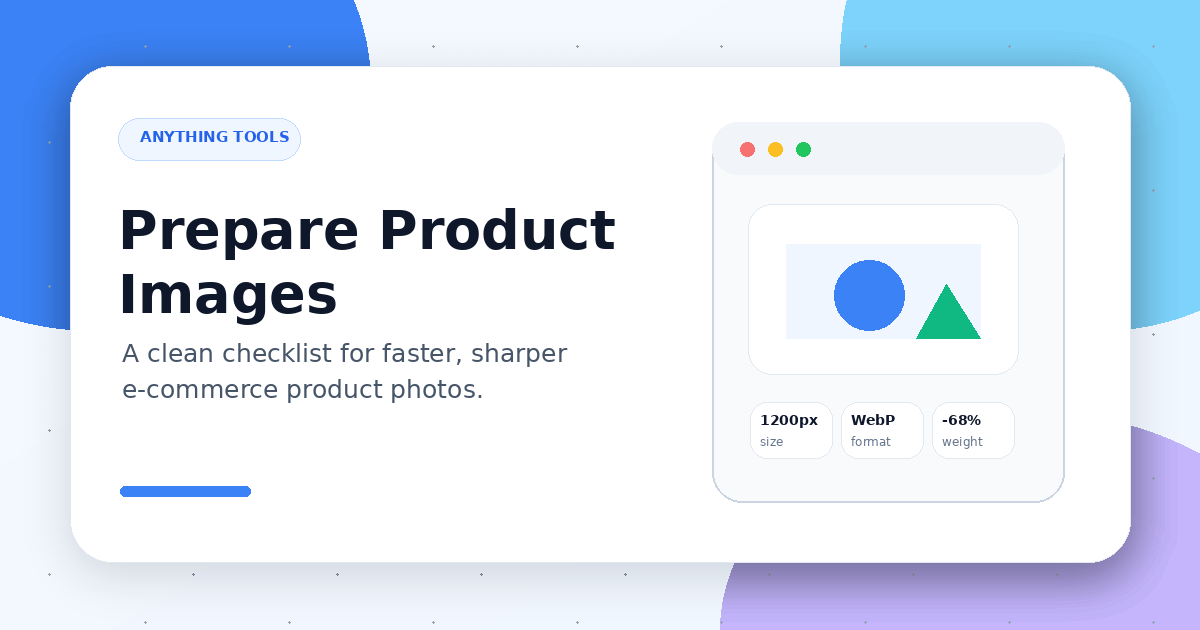
이커머스용 제품 이미지를 준비하는 방법
Product images affect page speed, buyer confidence, and conversion rate. Images that are too large slow down the store. Images that are too small make details hard to inspect. The wrong format can also break transparency, color quality, or file size.
Before uploading product photos, you can prepare them with the Anything Tools Image Resizer, Image Compressor, and Image Converter.
Start with the image purpose
Different placements need different image sizes. Avoid uploading one oversized original everywhere.
Common e-commerce image placements include:
- main product image
- product gallery image
- thumbnail
- category page image
- email or ad creative
- social sharing image
A main product image should preserve detail. A thumbnail should load quickly and keep the product shape recognizable.
Resize images before upload
Most stores do not need product images that are several thousand pixels wide. Choose a target size based on the store template or marketplace requirement, then resize before upload.
Practical rules:
- keep main images square or use one consistent ratio
- use the same size within a product category
- avoid uploading images far larger than their display size
- keep enough resolution for high-density screens without overdoing it
Choose the right image format
Format choice affects transparency, quality, and file size.
- JPG works well for standard product photography
- PNG is useful for transparent backgrounds, logos, and screenshots
- WebP is often a good balance between quality and small file size
If the original format is not ideal, convert it with the Image Converter before publishing.
Compress without losing key details
Compression is not about making the file as tiny as possible. The goal is to keep the page fast while preserving product texture, labels, color, and edges.
Use the Image Compressor, then preview the product page on desktop and mobile before publishing.
Use descriptive file names
File names help maintenance and image SEO. A name like blue-running-shoes-side-view.jpg is much better than IMG_1234.jpg.
Pre-publish checklist
Before uploading, check:
- does the image match the target placement size?
- is the file size reasonable?
- is transparency preserved if needed?
- is the product centered and easy to recognize?
- is the file name readable?
- does it look sharp on mobile?
Final thoughts
Preparing e-commerce product images is more than compression. A reliable workflow is: choose the purpose, resize, select the format, compress, name the file, and preview the result. This keeps product pages faster, clearer, and easier to maintain.