

WebP vs PNG: 로고와 투명 이미지에는 무엇이 더 좋을까?
Anything Tools Editorial
||
7 분 분량
|이미지 포맷
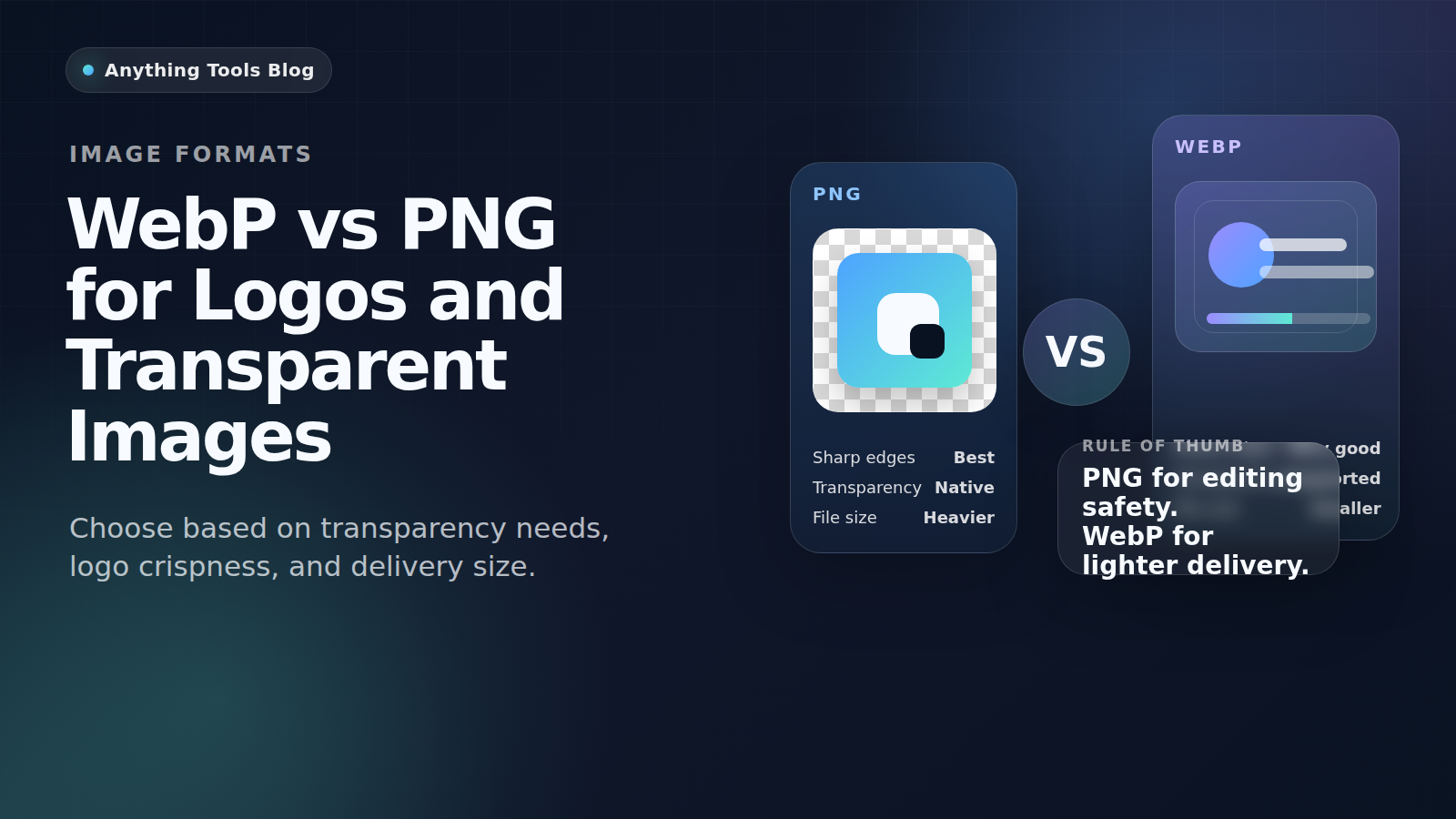
WebP vs PNG: 로고와 투명 이미지에는 무엇이 더 좋을까?
WebP와 PNG는 둘 다 투명 이미지를 처리할 수 있지만, 잘 맞는 용도가 다릅니다. PNG는 편집과 호환성에 강하고, WebP는 웹 배포용으로 더 가볍습니다.
Quick guidance
- Keep PNG for editing, source files, and maximum compatibility.
- Use WebP for final web delivery when smaller files matter.
- If transparency matters, always test the exported asset on the real page.
Best use cases for PNG
PNG is still the safer format for brand kits, screenshots with text, UI mockups, and files that will be edited repeatedly. It keeps sharp edges and opens correctly in almost every workflow.
Best use cases for WebP
WebP is usually better for published logos, icons, and transparent illustrations on live websites. It helps reduce bandwidth and can improve page speed when you replace oversized PNG assets.
Recommended workflow
- Keep a master PNG or SVG.
- Export a web-ready WebP copy for the live site.
- Resize first with Image Resizer if the file is too large.
- Compare outputs with Image Converter and Image Compressor.
Final takeaway
For logos and transparent images, PNG is the safer working format and WebP is often the better delivery format.