

Как конвертировать PNG в JPG для меньшего размера файла
Как конвертировать PNG в JPG для меньшего размера файла
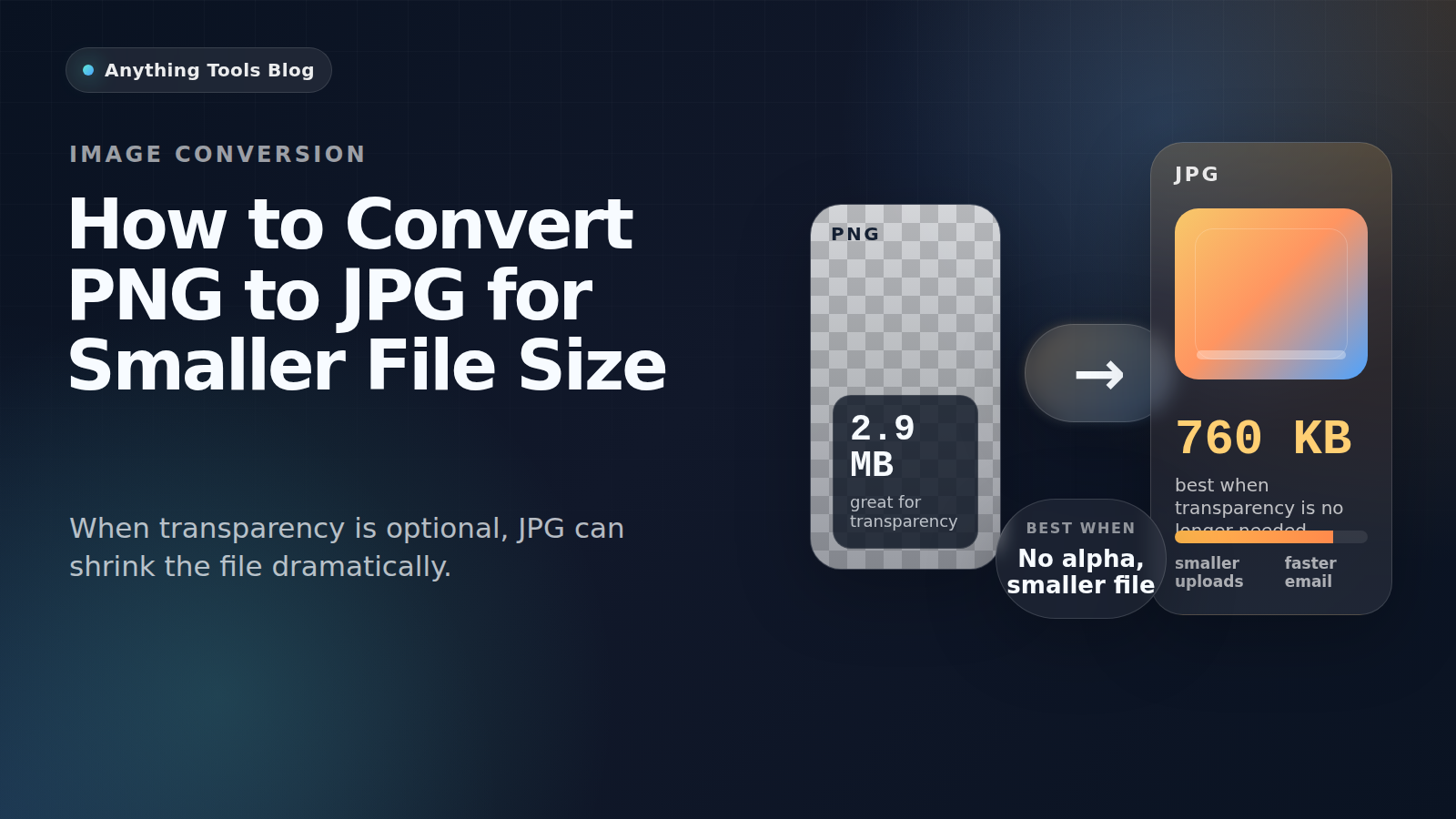
PNG отлично подходит для скриншотов, логотипов и прозрачной графики. Но если изображение по сути ближе к фотографии и прозрачность больше не нужна, PNG часто оказывается слишком тяжёлым.
Good candidates for conversion
PNG to JPG works best for photographs, flattened marketing visuals, blog headers, and product images that no longer need transparency.
When not to use JPG
Keep PNG for logos, icons, UI screenshots, tiny text, and any image that still requires transparency. JPG compression can blur edges and create artifacts.
Practical workflow
- Check whether transparency is still needed.
- Resize first with Image Resizer.
- Convert with PNG to JPG.
- Run a second pass in Image Compressor if necessary.
- Review the result at 100% zoom before publishing.
Why the size drop can be large
Design tools often export PNG losslessly. If the image is really a photo, JPG can reduce the size dramatically while keeping the result visually acceptable.
Final takeaway
Convert PNG to JPG when the image behaves like a photo. Keep PNG for transparency, sharp graphics, and text-heavy assets.
Похожие посты

Как конвертировать HEIC в JPG: Полное руководство 2026
Узнайте, как конвертировать изображения HEIC с iPhone в формат JPG. Пошаговое руководство с бесплатными онлайн-инструментами, установка программного обеспечения не требуется.
Как конвертировать SVG в PNG онлайн
Узнайте, когда экспортировать SVG в PNG, как выбрать четкий размер и как избежать размытых логотипов, иконок и социальных изображений.