如何压缩图片以提升页面加载速度
Anything Tools 编辑部
||
7 分钟阅读
|图片优化
如何压缩图片以提升页面加载速度
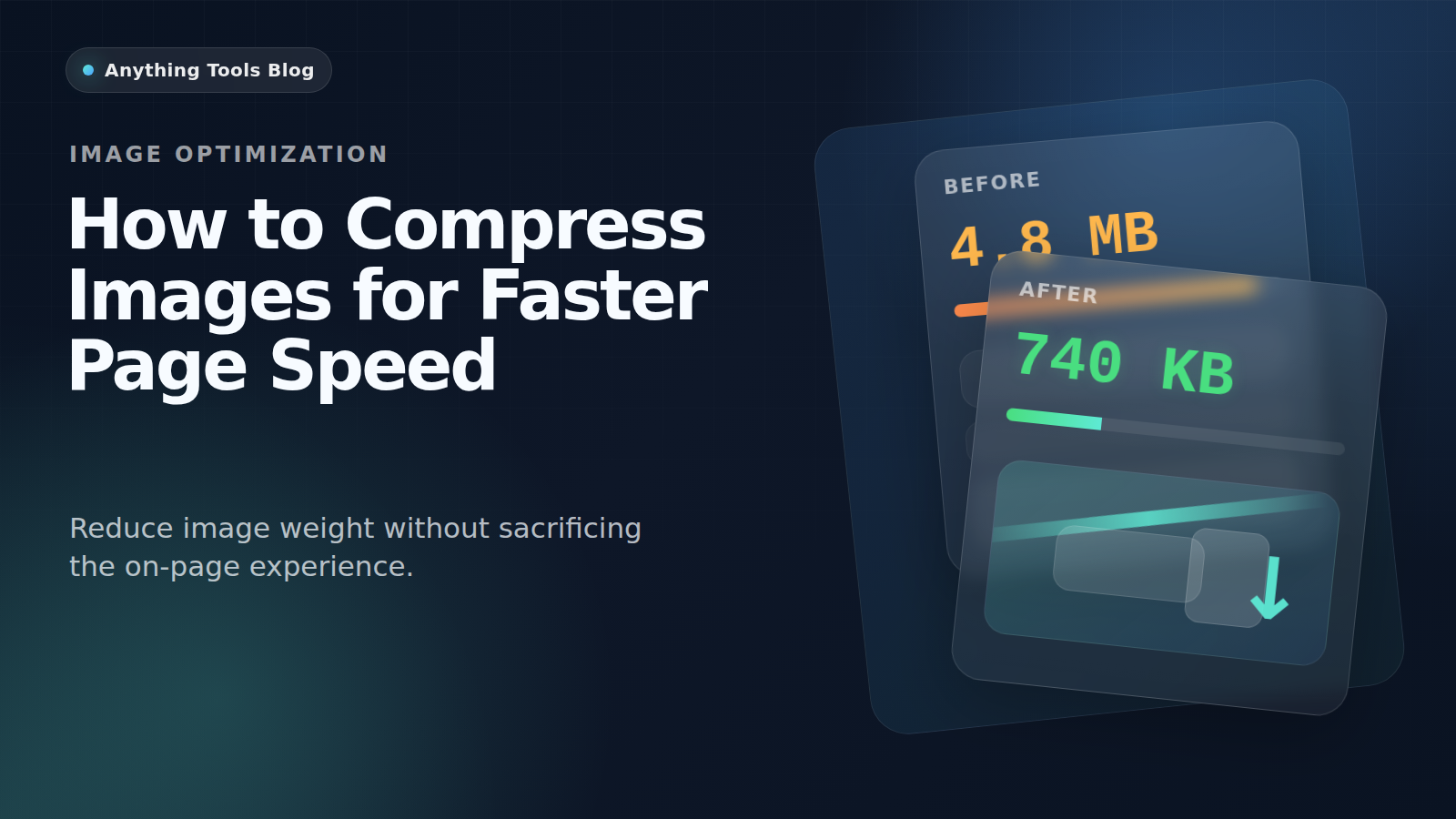
图片过大,仍然是网页变慢最常见的原因之一。它会先伤害移动端体验,也会拖累 Core Web Vitals。
Why compression matters
Large images increase download weight, slow perceived load time, and make Core Web Vitals harder to improve.
Pick the right format first
Use JPG for photos, PNG for graphics with transparency, and WebP when you want a modern web delivery format. You can compare options with the Image Converter.
Resize before compressing
Do not compress a 4000px image if the layout only needs 1200px. Start with the Image Resizer, then compress the smaller file.
Delivery workflow
- Export the original asset.
- Resize to the real display range.
- Compress with Image Compressor.
- Recheck the page and compare before/after in the browser.
Final takeaway
For better page speed, think in this order: dimensions first, format second, compression third.