

如何在匯出 PDF 前準備圖片
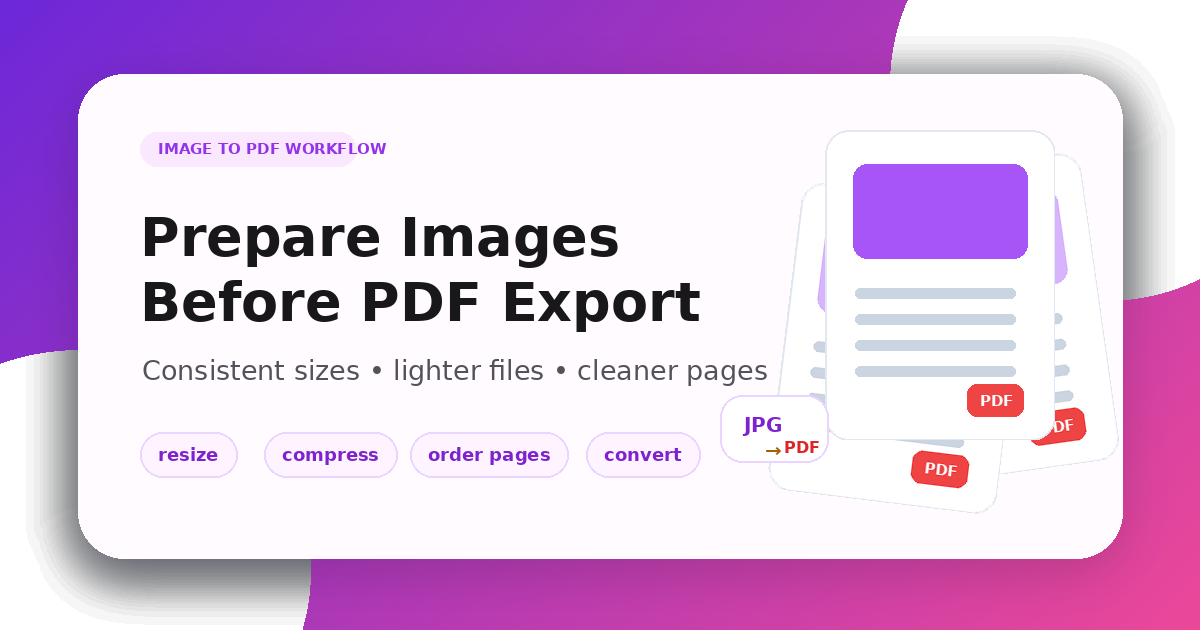
如何在匯出 PDF 前準備圖片
Image-to-PDF workflows are common for receipts, screenshots, forms, scanned notes, product sheets, and design previews. The final PDF is cleaner when the images are prepared before export.
Use the Image Resizer for consistent dimensions, the Image Compressor for smaller files, and the Image Converter when a source format is not accepted.
Match the images to the PDF purpose
A PDF for email should stay compact. A PDF for print needs more resolution. A PDF for review should open quickly and keep text readable.
Resize images to a consistent page shape, compress them before combining, and convert unsupported formats such as HEIC or WebP when needed.
Image-to-PDF checklist
- Put images in the correct order
- Use a consistent size or ratio
- Keep text readable after resizing
- Compress enough for sharing
- Convert unsupported formats
- Fix rotated images before export
A clean PDF starts before the export step: resize, compress, convert, and preview the result.
相關文章
How to Compress Images for Faster Page Speed
A practical workflow for smaller pages, cleaner Core Web Vitals, and fewer visual artifacts.
Bilder vor dem PDF-Export vorbereiten
Praktische Checkliste zum Skalieren, Komprimieren, Sortieren und Konvertieren von Bildern vor dem PDF-Export.