

WebP vs PNG:Logo 與透明圖片該怎麼選?
Anything Tools 編輯部
||
7 分鐘閱讀
|圖片格式
WebP vs PNG:Logo 與透明圖片該怎麼選?
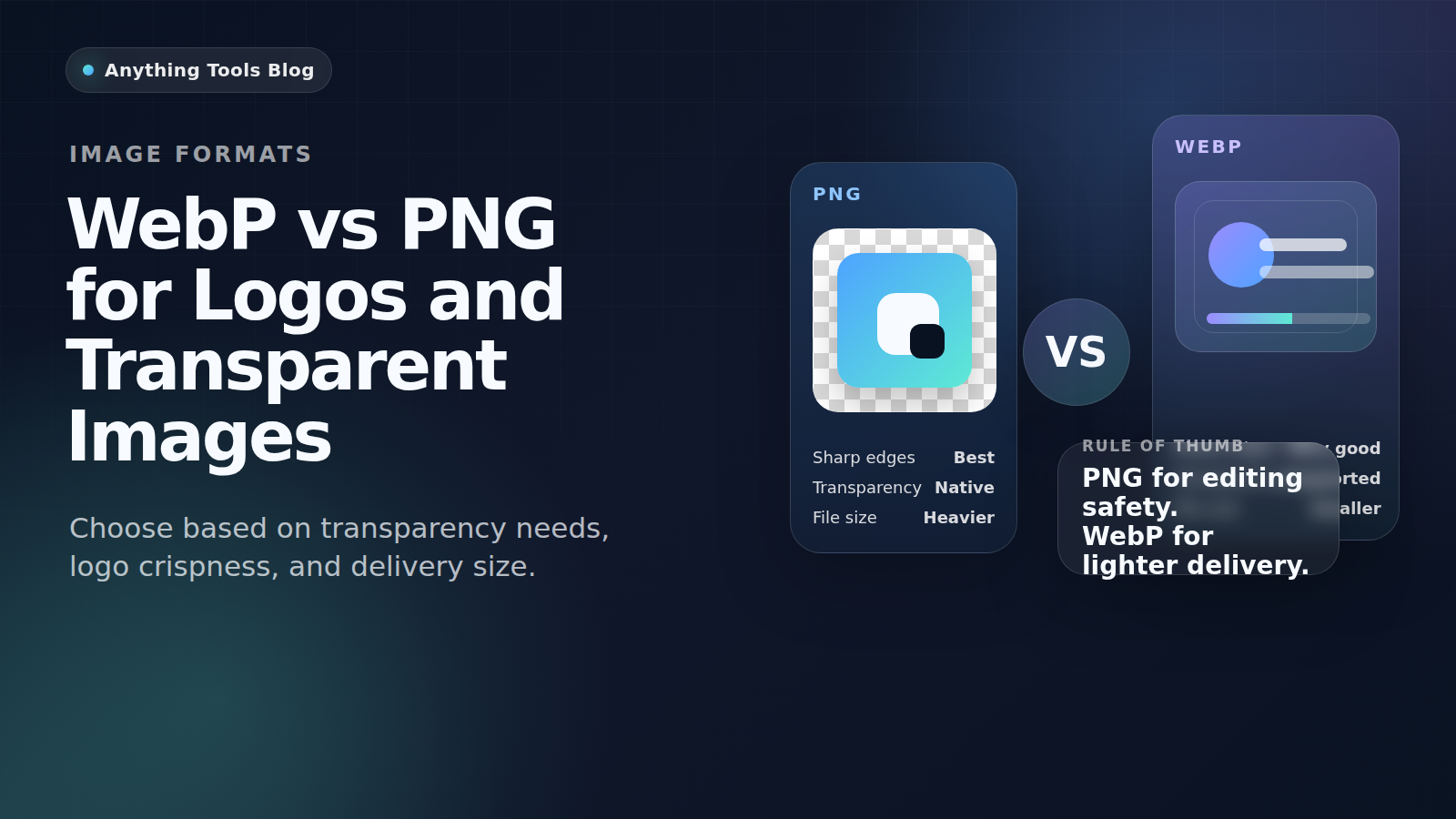
WebP 和 PNG 都支援透明圖片,但它們解決的問題並不一樣。PNG 更適合品牌原始檔、反覆編修與高相容性流程;WebP 則更適合已定稿、準備上線的網站素材。
Quick guidance
- Keep PNG for editing, source files, and maximum compatibility.
- Use WebP for final web delivery when smaller files matter.
- If transparency matters, always test the exported asset on the real page.
Best use cases for PNG
PNG is still the safer format for brand kits, screenshots with text, UI mockups, and files that will be edited repeatedly. It keeps sharp edges and opens correctly in almost every workflow.
Best use cases for WebP
WebP is usually better for published logos, icons, and transparent illustrations on live websites. It helps reduce bandwidth and can improve page speed when you replace oversized PNG assets.
Recommended workflow
- Keep a master PNG or SVG.
- Export a web-ready WebP copy for the live site.
- Resize first with Image Resizer if the file is too large.
- Compare outputs with Image Converter and Image Compressor.
Final takeaway
For logos and transparent images, PNG is the safer working format and WebP is often the better delivery format.