

How to Count Words and Characters Safely in the Browser
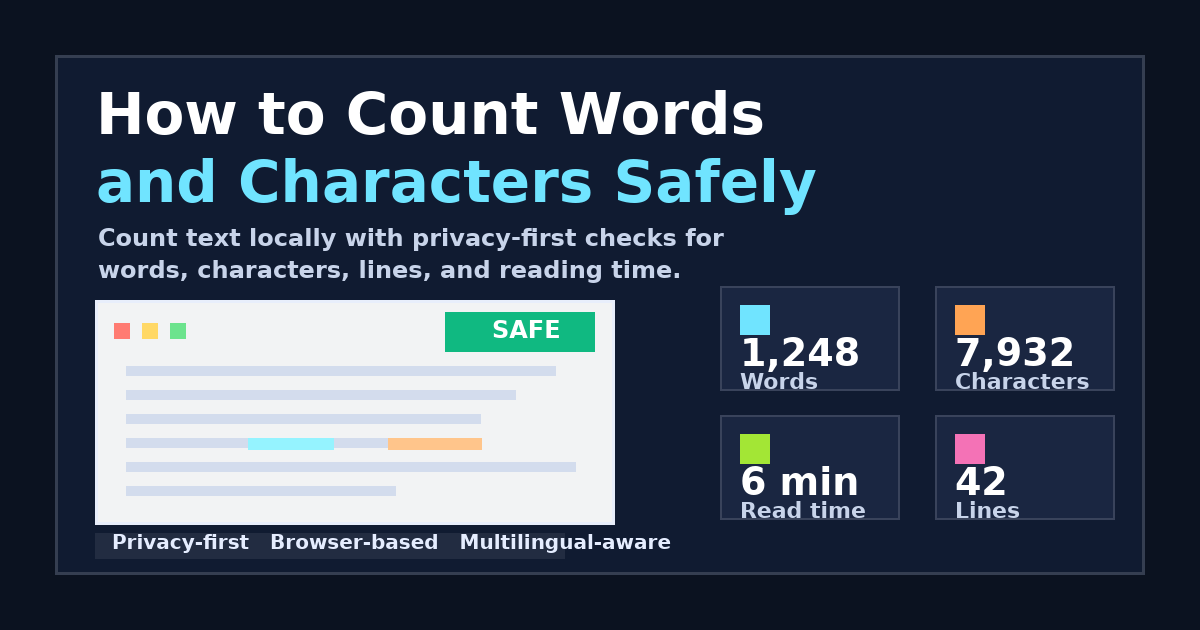
In an era where every keystroke can be tracked and analyzed, the simple task of counting words in a document can become a privacy risk. Traditional online word counters often send your text to their servers for processing, which might be fine for a casual tweet but is unacceptable for sensitive documents, legal drafts, or private correspondence.
In this guide, we’ll explore how to count words, characters, and paragraphs accurately and—most importantly—safely using modern browser technology.
Why Privacy Matters in Text Analysis
Many "free" online tools operate on a data-harvesting model. When you paste your text into a text area, it might be:
- Logged on a server: Stored in a database where administrators can access it.
- Used for training: Fed into AI models without your explicit consent.
- Leaked in logs: Exposed during a security breach or misconfiguration.
For professional use, the gold standard is Client-Side Processing. This means the analysis happens entirely within your own web browser. Your text never leaves your device.
The Challenge of Multilingual Accuracy
Most basic word counters use a simple space-split method: text.split(' ').length. While this works for English or Spanish, it fails miserably for languages that don't use spaces between words, such as:
- Chinese (中文)
- Japanese (日本語)
- Thai (ไทย)
To address this, modern tools use the Intl.Segmenter API, a powerful browser feature that understands the linguistic structure of different languages. This allows for accurate "segment" counting (semantic words) rather than just counting spaces.
Introducing Anything Tools Text Counter
At Anything Tools, we built our Text Counter tool with two core principles: Privacy and Accuracy.
1. 100% Local Processing
Our tool uses JavaScript to analyze your text right in your browser tab. If you disconnect your internet after the page loads, the counter will still work. Your data is never uploaded, never saved, and never seen by us.
2. Smart CJK Detection
We automatically detect if your text contains high-density CJK characters. If it does, we switch to our optimized linguistic segmentation engine. This ensures that a single Chinese sentence isn't counted as "one word" just because there are no spaces.
3. Comprehensive Metrics
Beyond basic word counts, you get:
- Characters (with/without spaces): Essential for social media limits.
- Lines and Paragraphs: Useful for formatting and length estimation.
- Reading Time Estimation: Based on language-specific reading speeds (e.g., 500 characters per minute for CJK, 200 words per minute for English).
Best Practices for Text Counting
When you need to count text for professional purposes, follow these steps:
- Check for HTTPS: Ensure the site uses encryption to protect your local session.
- Verify Offline Capability: A true privacy tool should work even if you turn off your Wi-Fi after the tool is loaded.
- Use the Right Metric: If you're writing for SEO, focus on "Semantic Segments" or "Characters". If you're writing for a Western publication, "Words" is usually the standard.
Conclusion
Counting words shouldn't mean sacrificing your privacy. By using modern browser-based tools like the Anything Tools Text Counter, you can get precision analytics while keeping your data exactly where it belongs: on your own machine.
Ready to analyze your text safely? Try our Free Online Text Counter now.