

Image Resizer
Resize images to any dimensions instantly in your browser. Free, private, and no upload required.
100% Private Completely Free Batch Processing Social Media Presets Easy to Use Lightning Fast
Drag & drop images here, or click to select
Supports JPG, PNG, WebP, GIF, BMP, and more
Powerful Resizing
Precise control over your image dimensions.
100% Private
Browser-based processing - files never leave your device
Completely Free
Free with no limitations or watermarks
Batch Processing
Resize multiple images at once instantly
Social Media Presets
Built-in presets for popular social media platforms
Easy to Use
Simple and intuitive interface for everyone.
Lightning Fast
Process instantly without waiting.
Related Posts
Image Optimization
How to Compress Images for Faster Page Speed
A practical workflow for smaller pages, cleaner Core Web Vitals, and fewer visual artifacts.
•5 min read
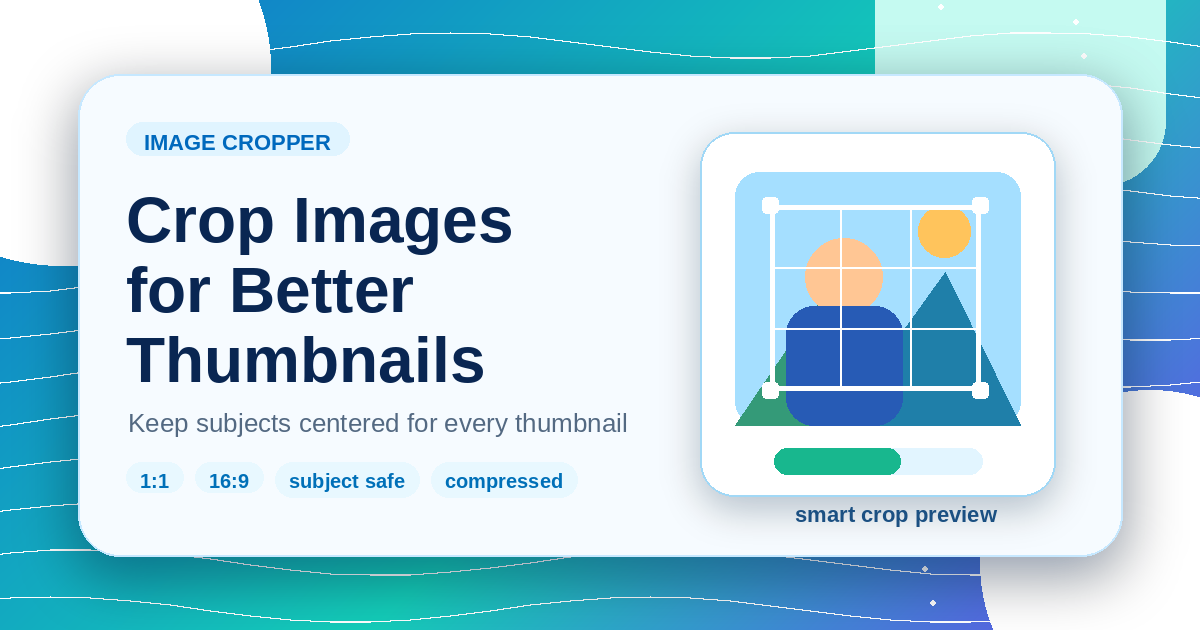
Image Editing
How to Crop Images for Thumbnails Without Losing the Subject
A browser-based cropping workflow for cards, previews, and social thumbnails that keeps the important subject visible.
•5 min read
Design
Favicon Generator Complete Guide: Sizes, Formats, and Browser Tips
Create a reliable favicon set for your website, choose source artwork, check contrast at tiny sizes, and prepare icons for modern browsers.
•5 min read
Frequently Asked Questions
Find answers to the most common questions.