

AI Image Detector & Analyzer
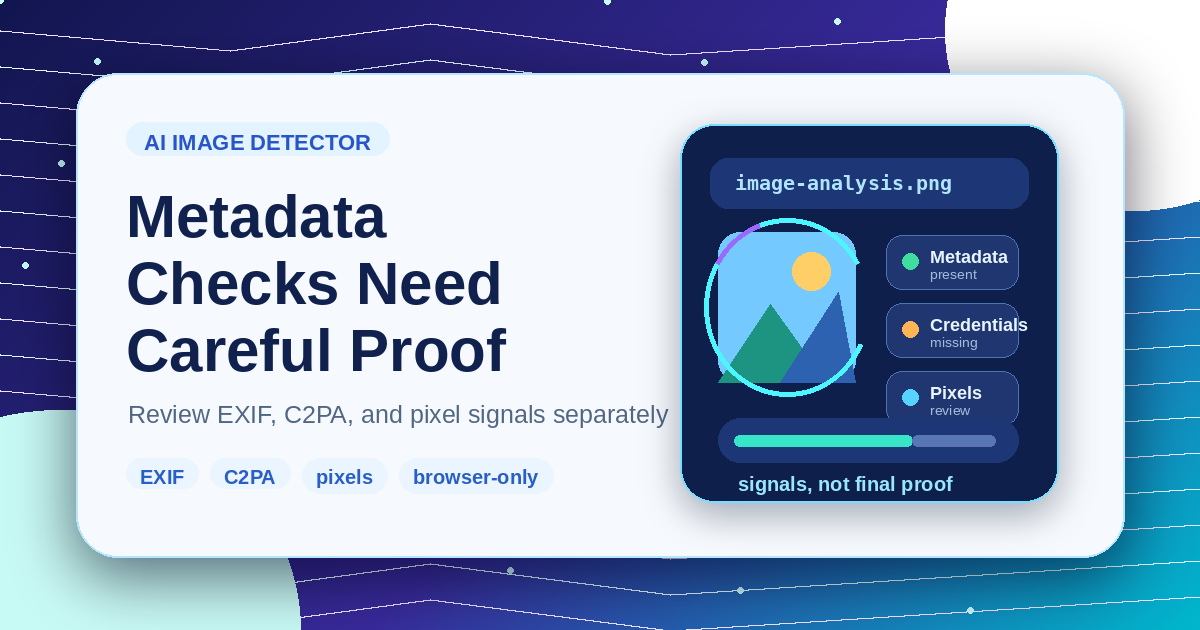
Deeply detect if an image is generated by AI and extract parameters/workflows using the dual-engine of 'Metadata Credentials + Pixel Feature Analysis'.
Dual-Engine Detection 100% Local Privacy Parameter & Workflow Extractor
Drag & drop images here, or click to select
Supports PNG, JPG, WebP — processed entirely in your browser
Verdict
Waiting for Detection
Please upload or drag an image on the left. The system will automatically perform dual-engine identification and parameter extraction.
Pending
Pixel Feature Engine Report
Analysis of pixel-level noise distribution, upsampling periodic grids, and edge smoothness metrics will be displayed here.
Extracted AI Metadata
If the image contains AI metadata (like prompts, model, seed, and workflows), the parsed parameters will be restored and shown here.
How to Use AI Image Detector
Three simple steps.
1
Upload Image
Drag & drop or click to upload PNG, JPG, or WebP images.
2
Dual-Engine Analysis
The tool reads binary metadata while scanning pixels for noise anomalies and periodic checkerboard patterns.
3
View Comprehensive Report
Get AI probability estimates, software attribution, prompts, and ComfyUI workflow JSON.
Core Technology & Security
Deeply detect if an image is generated by AI and extract parameters/workflows using the dual-engine of 'Metadata Credentials + Pixel Feature Analysis'.
Dual-Engine Detection
Combines encrypted metadata verification with pixel-level high-frequency noise and upsampling artifact scanning.
100% Local Privacy
All image reading and pixel analysis are performed locally via JavaScript in your browser. No image data is uploaded.
Parameter & Workflow Extractor
Extracts Stable Diffusion, ComfyUI, and NovelAI prompts, parameters, and workflows with one-click copying.
Frequently Asked Questions
Find answers to the most common questions.