

Image Cropper
Crop images online with custom aspect ratios and instant browser-side export.
Private Aspect ratios Export formats Instant Easy to Use Lightning Fast
Image Cropper
Drag and drop an image, or click to select
Crop settings
Powerful image cropping
Crop images online with custom aspect ratios and instant browser-side export.
Private
Images stay in your browser
Aspect ratios
Freeform, square, social and video ratios
Export formats
Save as PNG, JPG, or WebP
Instant
Fast canvas-based cropping
Easy to Use
Simple and intuitive interface for everyone.
Lightning Fast
Process instantly without waiting.
Common use cases
Prepare images for many channels
Social media
Crop posts, stories, and thumbnails
E-commerce
Frame product images consistently
Profiles
Create avatars and profile photos
Blogs
Prepare article and Open Graph images
Related Posts
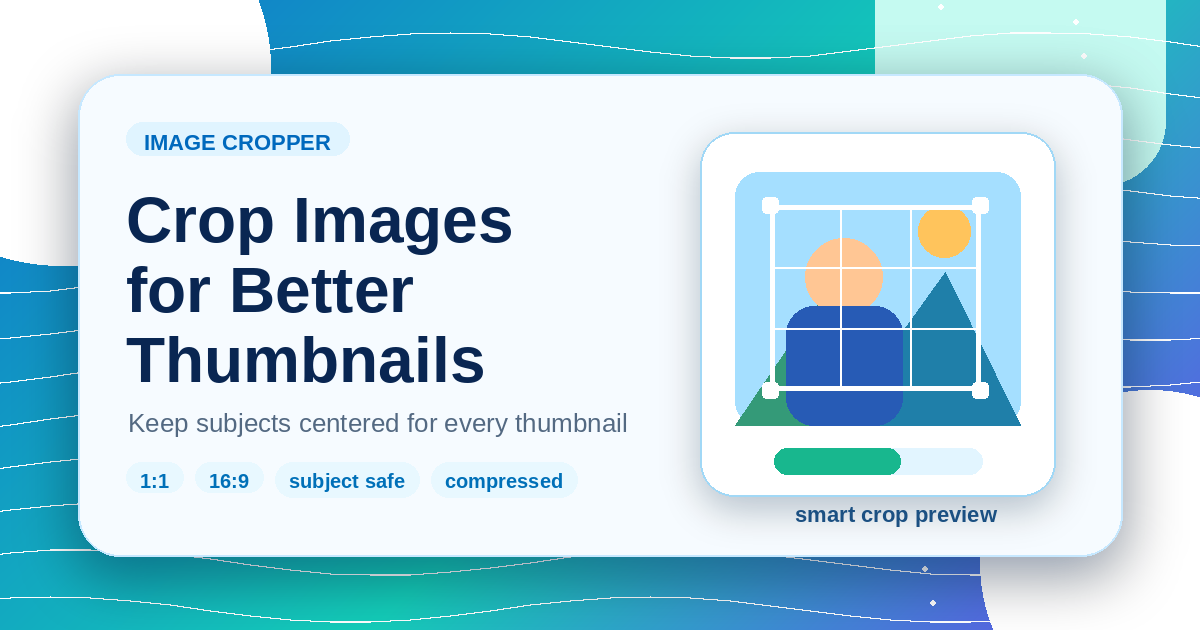
Image Editing
How to Crop Images for Thumbnails Without Losing the Subject
A browser-based cropping workflow for cards, previews, and social thumbnails that keeps the important subject visible.
•5 min read
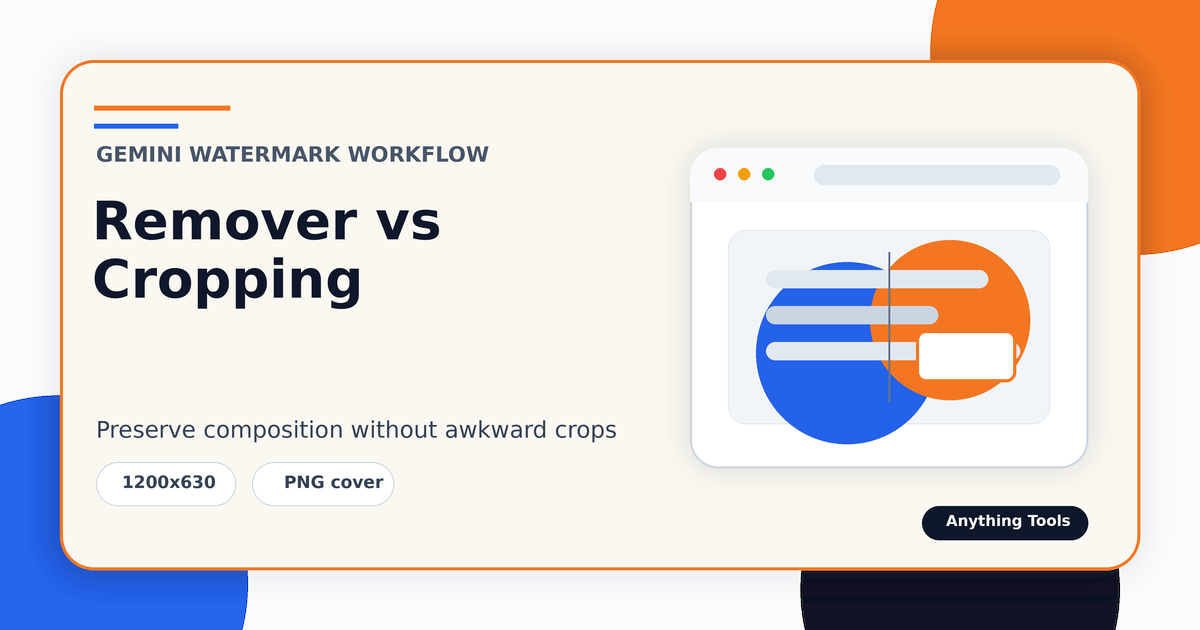
Image Editing
Gemini Watermark Remover vs Cropping: Which Should You Use?
Compare watermark removal and cropping for Gemini-generated images, including when each method protects composition, aspect ratio, and final quality.
•5 min read
Frequently Asked Questions
Find answers to the most common questions.