

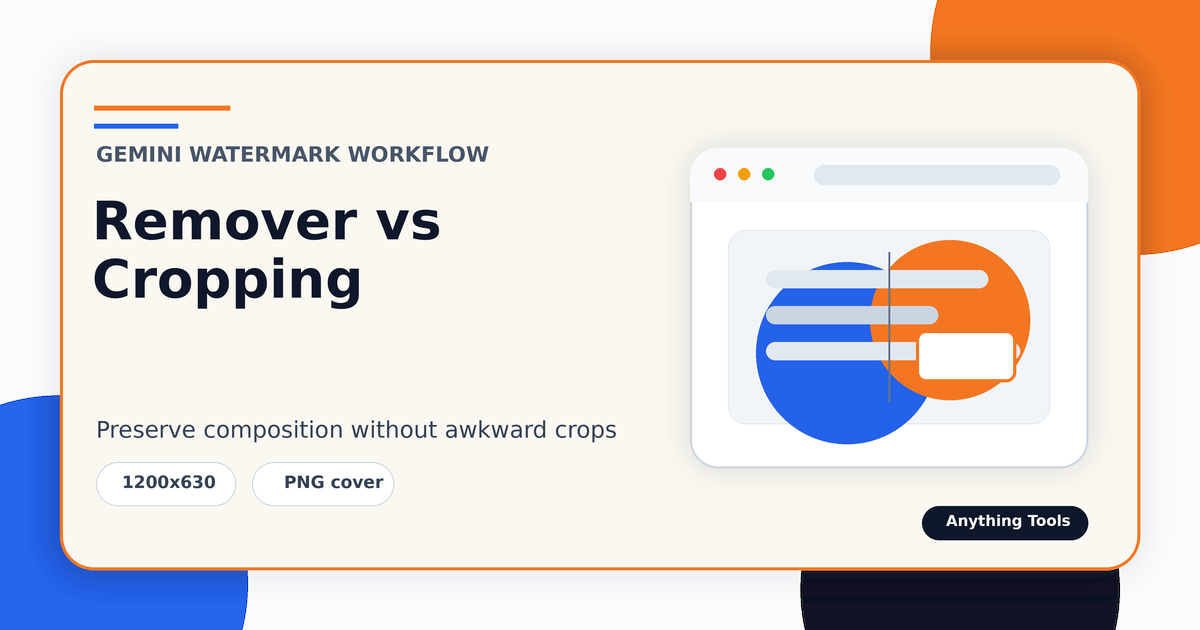
Gemini Watermark Remover vs Cropping: Which Should You Use?
Gemini Watermark Remover vs Cropping: Which Should You Use?
The core difference
Cropping removes pixels. Watermark restoration tries to preserve the original composition by reversing a visible semi-transparent overlay. If the watermark sits over empty margin, cropping may be fastest. If it overlaps product detail, faces, text, or a carefully framed corner, restoration is usually the better first attempt.
When cropping is enough
Use the Image Cropper when the watermark is outside the subject, the final aspect ratio is flexible, and the cropped image still meets your publishing size. Cropping is simple, predictable, and artifact-free, but it changes framing and may reduce resolution.
When removal is better
Use the Gemini Watermark Remover when the image composition matters or when the watermark covers content that cannot be removed. Review the result at 100% zoom. If artifacts remain, you may still crop slightly or regenerate the image with safer margins.
A practical decision checklist
Ask four questions: Will cropping cut important content? Does the final platform require a fixed aspect ratio? Is the source file a clean PNG? Are small residual artifacts acceptable? The answers usually make the decision obvious.
Conclusion
Cropping is best for disposable margins. Watermark restoration is best when composition matters. For polished publishing, test both and choose the cleaner result rather than forcing one method.
Related Posts
Bilder für Thumbnails zuschneiden, ohne das Motiv zu verlieren
Browser-Workflow für Karten, Vorschauen und Social-Thumbnails mit sichtbarem Hauptmotiv.
Gemini-Wasserzeichen entfernen oder zuschneiden: Was ist besser?
Vergleicht Wasserzeichen-Entfernung und Zuschnitt bei Gemini-Bildern und zeigt, wann Komposition, Seitenverhältnis und Qualität besser erhalten bleiben.