

AI Image Detector Metadata Guide: What Browser Checks Can and Cannot Prove
AI Image Detector Metadata Guide: What Browser Checks Can and Cannot Prove
Treat signals as clues
A browser AI image detector can surface useful clues, but most signals are not courtroom proof. Metadata may be missing, edited, or removed by social platforms.
Separate metadata and pixels
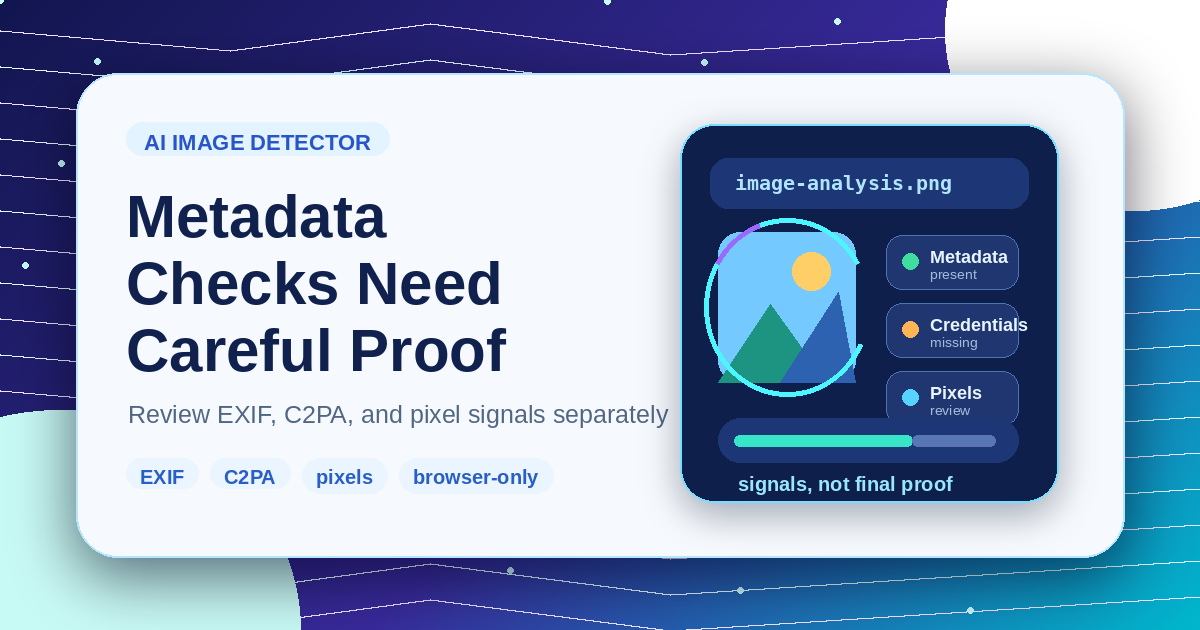
Use the AI Image Detector to review metadata, content credentials, and visual heuristics separately. A metadata flag and a pixel suspicion score should not be collapsed into one absolute answer.
Check the file path
If a file was converted or recompressed, inspect that step too. The Image Converter can change format-specific metadata, while compression may remove private fields.
Keep language careful
Report results as “detected metadata,” “content credential present,” or “pixel heuristic suspected.” Avoid claiming that a picture is definitely AI-generated from weak browser-only evidence.
Save a clean copy
When sharing results, keep the original file and an optimized copy. The Image Compressor is useful for publishing, but the original is better for evidence review.
Related Posts
KI-Bilddetektor-Metadaten: Was Browser-Checks zeigen können
Verstehe Metadaten, Content Credentials und Pixel-Heuristiken, bevor du Ergebnisse als Beweis nutzt.

So bereitest du Gemini-Bilder ohne Qualitätsverlust für die Veröffentlichung vor
Workflow für Gemini-Bilder: Quelle prüfen, sichtbare Wasserzeichen behandeln, vorsichtig skalieren, zuletzt komprimieren und das passende Format exportieren.