

How to Prepare Gemini Images for Publishing Without Quality Loss
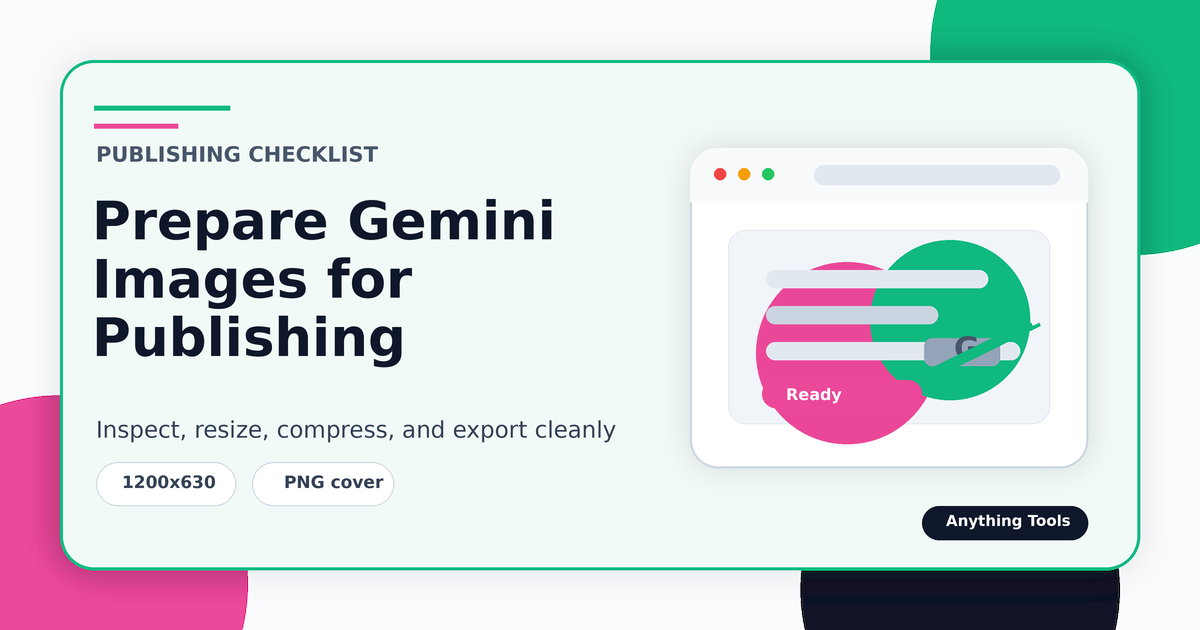
How to Prepare Gemini Images for Publishing Without Quality Loss
Start from the cleanest source
Use the highest-quality export available, preferably PNG. Avoid starting from a chat screenshot or a recompressed social-media copy. The better the source, the easier it is to inspect watermark areas and preserve detail.
Handle the watermark before resizing
If the image has a visible Gemini-style overlay, process it before changing dimensions. Resizing first can blur the overlay and make detection less reliable. After restoration, compare the affected corner against nearby texture and color.
Resize for the destination
Use the Image Resizer to match the target platform: blog hero, product card, social preview, or documentation image. Keep the aspect ratio unless the destination explicitly requires a crop.
Compress and convert last
Compression should be the final step. Use PNG when transparency or crisp graphics matter, WebP for web delivery, and JPG only when a photographic image can tolerate lossy compression. The Image Converter helps you create the right final format.
Conclusion
A reliable workflow is source check, watermark handling, resize, then compression or conversion. This order gives you better quality and makes every editing decision easier to review.
Related Posts
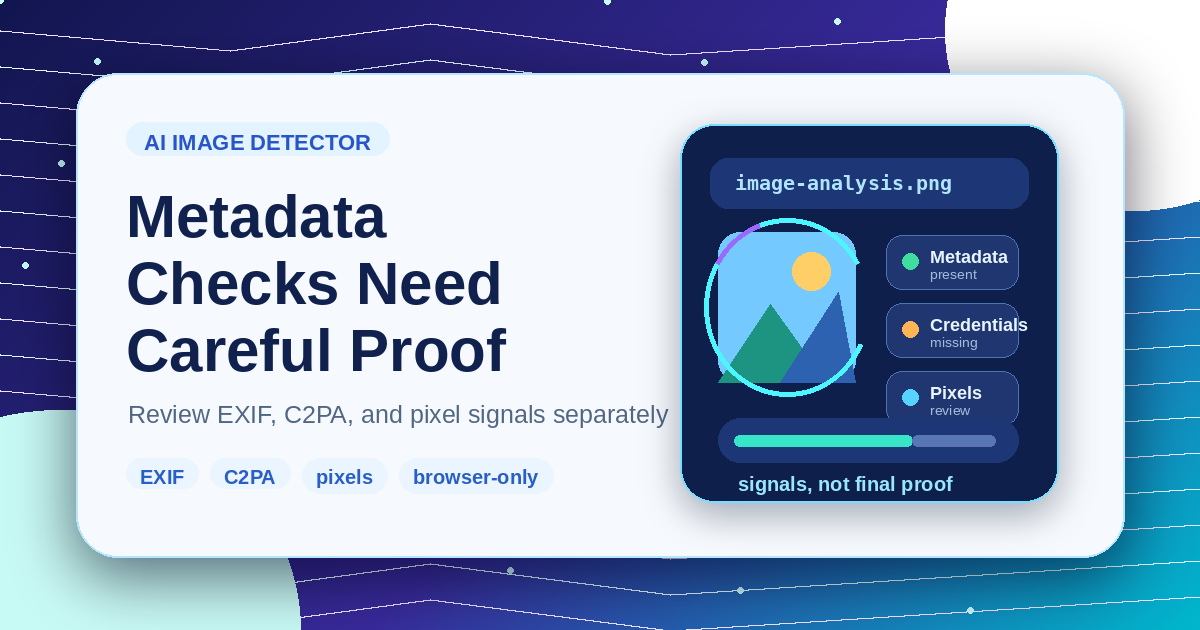
KI-Bilddetektor-Metadaten: Was Browser-Checks zeigen können
Verstehe Metadaten, Content Credentials und Pixel-Heuristiken, bevor du Ergebnisse als Beweis nutzt.
So bereitest du Gemini-Bilder ohne Qualitätsverlust für die Veröffentlichung vor
Workflow für Gemini-Bilder: Quelle prüfen, sichtbare Wasserzeichen behandeln, vorsichtig skalieren, zuletzt komprimieren und das passende Format exportieren.