

So komprimieren Sie Bilder für schnellere Ladezeiten
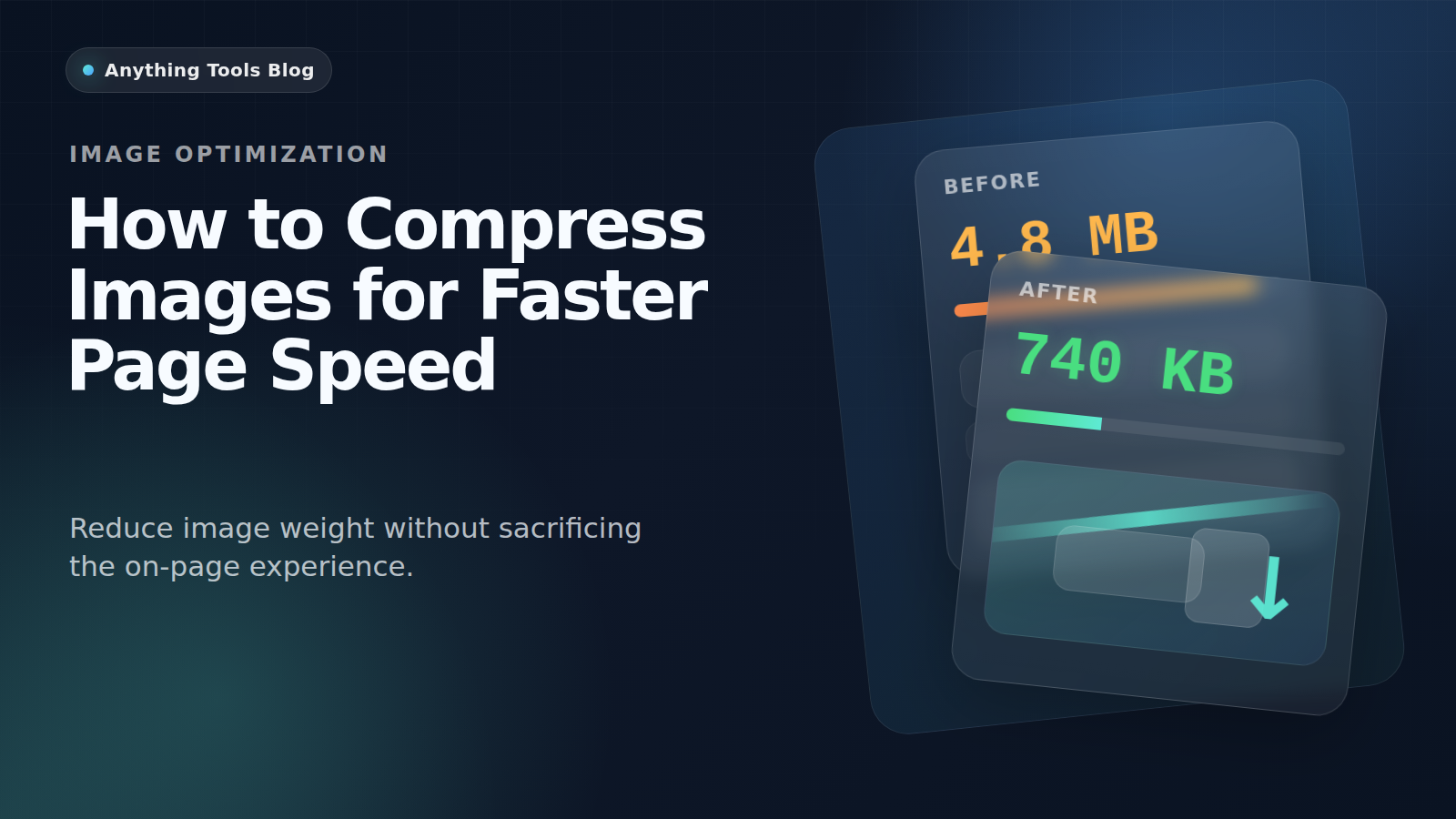
So komprimieren Sie Bilder für schnellere Ladezeiten
Schwere Bilder sind noch immer eine der häufigsten Ursachen für langsame Seiten. Besonders mobil schaden sie schnell und verschlechtern Core Web Vitals.
Why compression matters
Large images increase download weight, slow perceived load time, and make Core Web Vitals harder to improve.
Pick the right format first
Use JPG for photos, PNG for graphics with transparency, and WebP when you want a modern web delivery format. You can compare options with the Image Converter.
Resize before compressing
Do not compress a 4000px image if the layout only needs 1200px. Start with the Image Resizer, then compress the smaller file.
Delivery workflow
- Export the original asset.
- Resize to the real display range.
- Compress with Image Compressor.
- Recheck the page and compare before/after in the browser.
Final takeaway
For better page speed, think in this order: dimensions first, format second, compression third.
Verwandte Beiträge

AVIF vs WebP: Welches Bildformat ist 2026 am besten?
Ein umfassender Vergleich der Bildformate AVIF und WebP. Erfahren Sie mehr über Komprimierung, Qualität, Browser-Unterstützung und welches Sie für Ihre Website verwenden sollten.
So konvertieren Sie Bilder für Shopify und E-Commerce
Praktischer Leitfaden zum Konvertieren, Komprimieren und Größenanpassen von Produktbildern für Shopify und andere Onlineshops ohne unnötige Ladezeit.