画像を圧縮してページ表示を高速化する方法
Anything Tools Editorial
||
7 分で読めます
|画像最適化
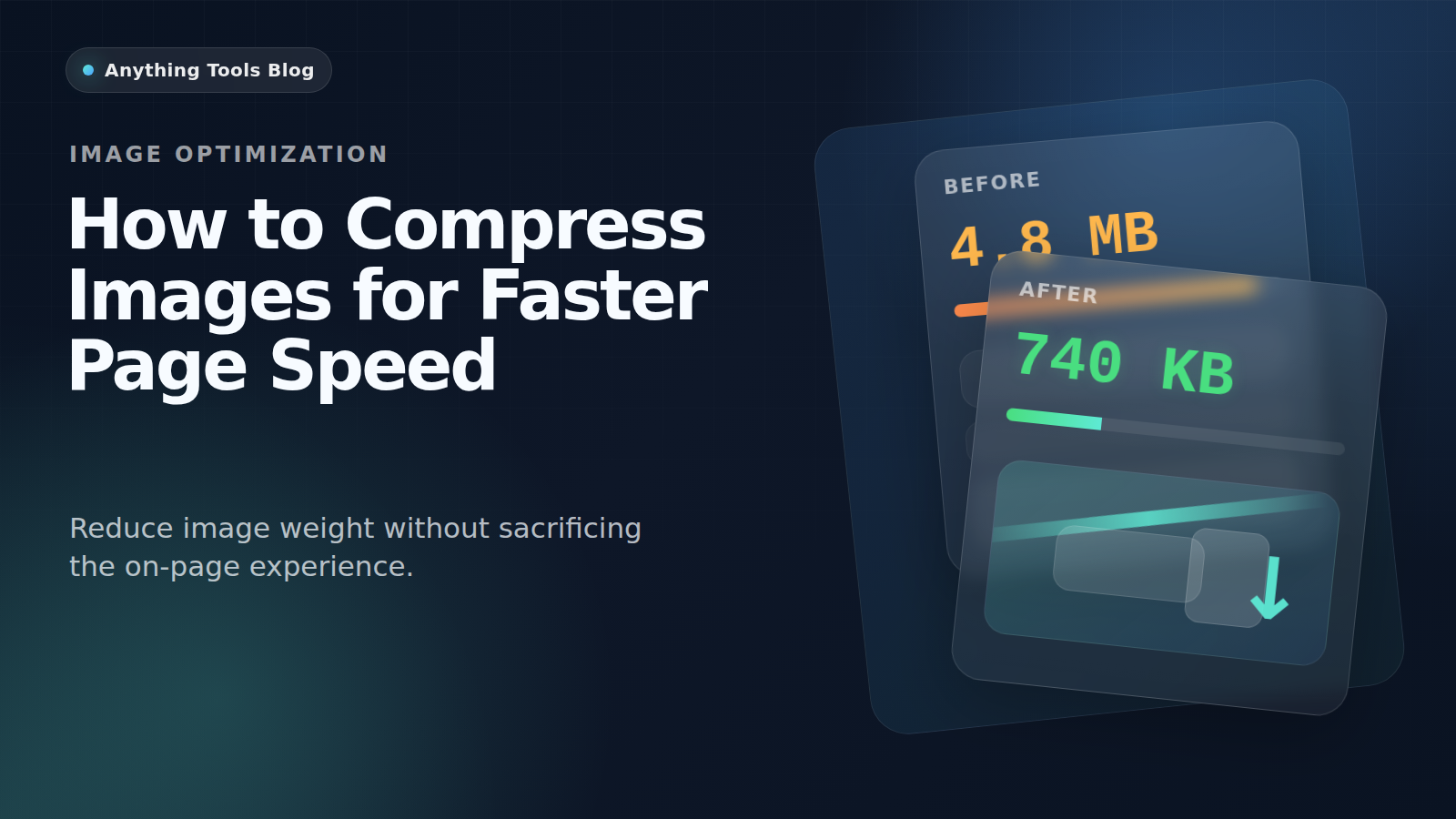
画像を圧縮してページ表示を高速化する方法
重い画像は、今でもページ表示を遅くする最大要因のひとつです。特にモバイル体験と Core Web Vitals に効いてきます。
Why compression matters
Large images increase download weight, slow perceived load time, and make Core Web Vitals harder to improve.
Pick the right format first
Use JPG for photos, PNG for graphics with transparency, and WebP when you want a modern web delivery format. You can compare options with the Image Converter.
Resize before compressing
Do not compress a 4000px image if the layout only needs 1200px. Start with the Image Resizer, then compress the smaller file.
Delivery workflow
- Export the original asset.
- Resize to the real display range.
- Compress with Image Compressor.
- Recheck the page and compare before/after in the browser.
Final takeaway
For better page speed, think in this order: dimensions first, format second, compression third.