

WebP vs PNG:ロゴと透過画像にはどちらが向いている?
Anything Tools Editorial
||
7 分で読めます
|画像フォーマット
WebP vs PNG:ロゴと透過画像にはどちらが向いている?
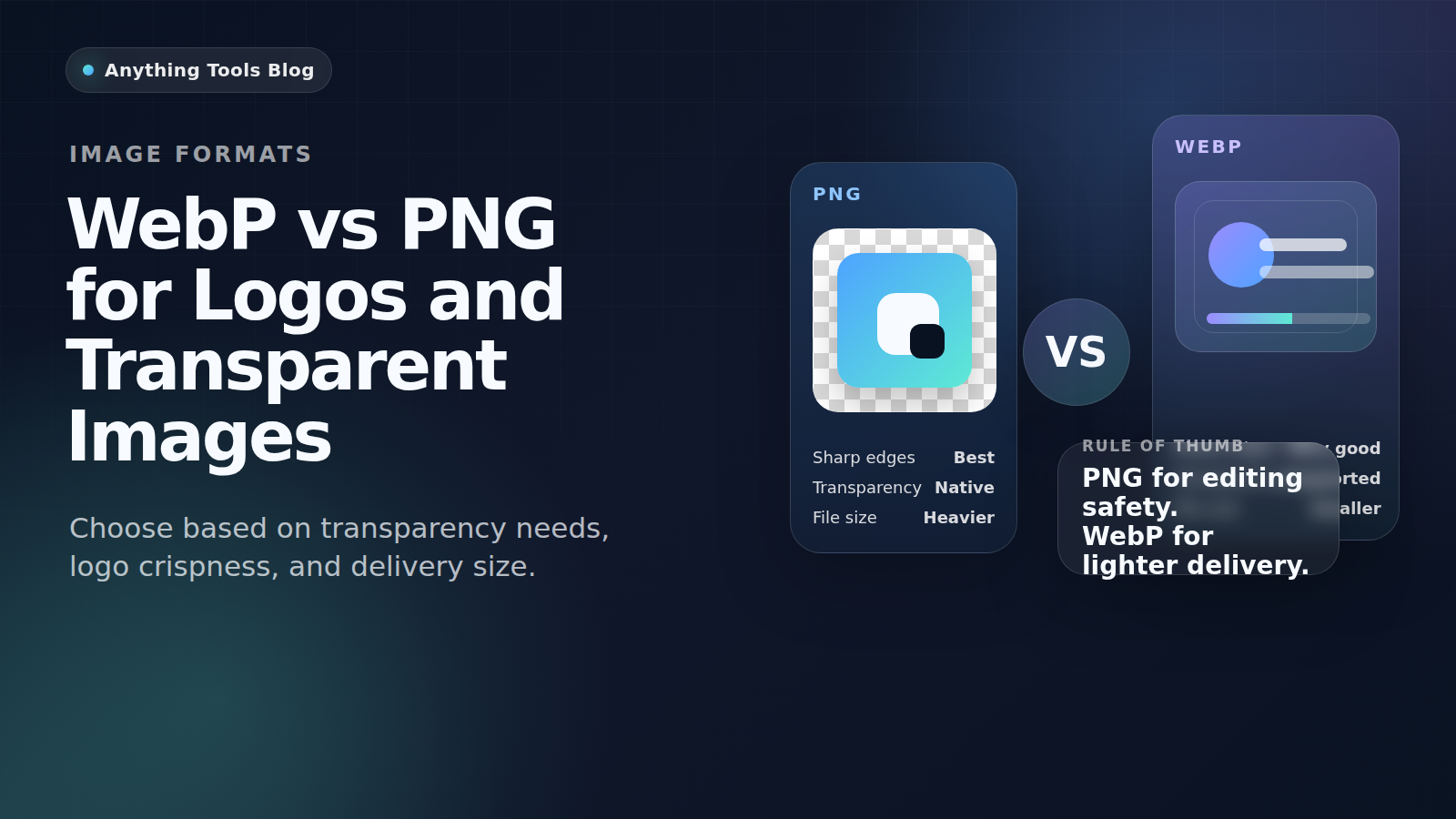
WebP と PNG はどちらも透過画像を扱えますが、得意分野は異なります。PNG は編集や受け渡しに強く、WebP は公開用の軽量配信に向いています。
Quick guidance
- Keep PNG for editing, source files, and maximum compatibility.
- Use WebP for final web delivery when smaller files matter.
- If transparency matters, always test the exported asset on the real page.
Best use cases for PNG
PNG is still the safer format for brand kits, screenshots with text, UI mockups, and files that will be edited repeatedly. It keeps sharp edges and opens correctly in almost every workflow.
Best use cases for WebP
WebP is usually better for published logos, icons, and transparent illustrations on live websites. It helps reduce bandwidth and can improve page speed when you replace oversized PNG assets.
Recommended workflow
- Keep a master PNG or SVG.
- Export a web-ready WebP copy for the live site.
- Resize first with Image Resizer if the file is too large.
- Compare outputs with Image Converter and Image Compressor.
Final takeaway
For logos and transparent images, PNG is the safer working format and WebP is often the better delivery format.