

Как сжимать изображения для более быстрой загрузки страниц
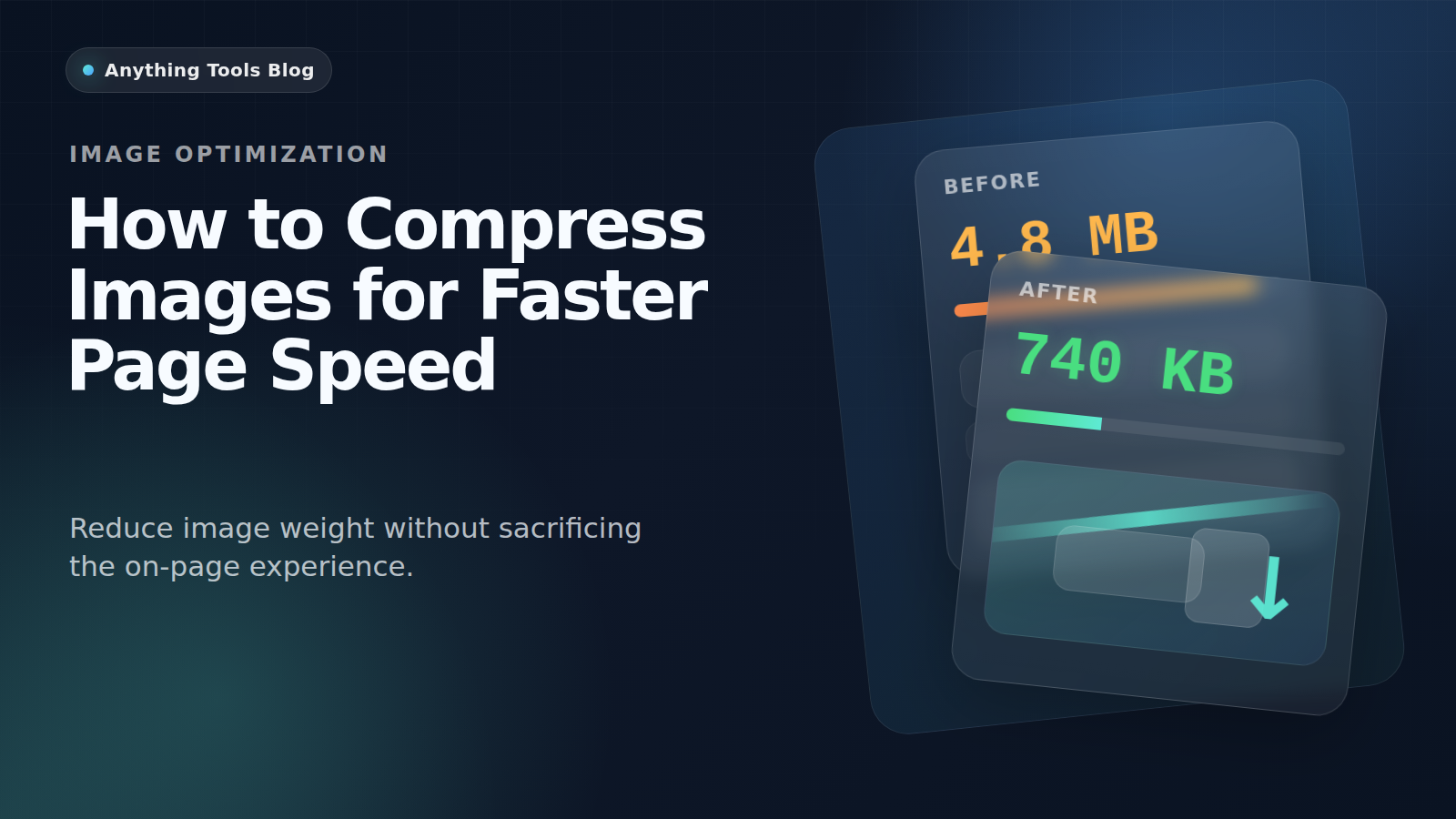
Как сжимать изображения для более быстрой загрузки страниц
Тяжёлые изображения по-прежнему остаются одной из самых частых причин медленных страниц. Особенно сильно это бьёт по мобильной загрузке и Core Web Vitals.
Why compression matters
Large images increase download weight, slow perceived load time, and make Core Web Vitals harder to improve.
Pick the right format first
Use JPG for photos, PNG for graphics with transparency, and WebP when you want a modern web delivery format. You can compare options with the Image Converter.
Resize before compressing
Do not compress a 4000px image if the layout only needs 1200px. Start with the Image Resizer, then compress the smaller file.
Delivery workflow
- Export the original asset.
- Resize to the real display range.
- Compress with Image Compressor.
- Recheck the page and compare before/after in the browser.
Final takeaway
For better page speed, think in this order: dimensions first, format second, compression third.
Похожие посты
AVIF vs WebP: Какой формат изображений лучше в 2026 году?
Полное сравнение форматов изображений AVIF и WebP. Узнайте о сжатии, качестве, поддержке браузерами и о том, какой формат следует использовать для вашего сайта.
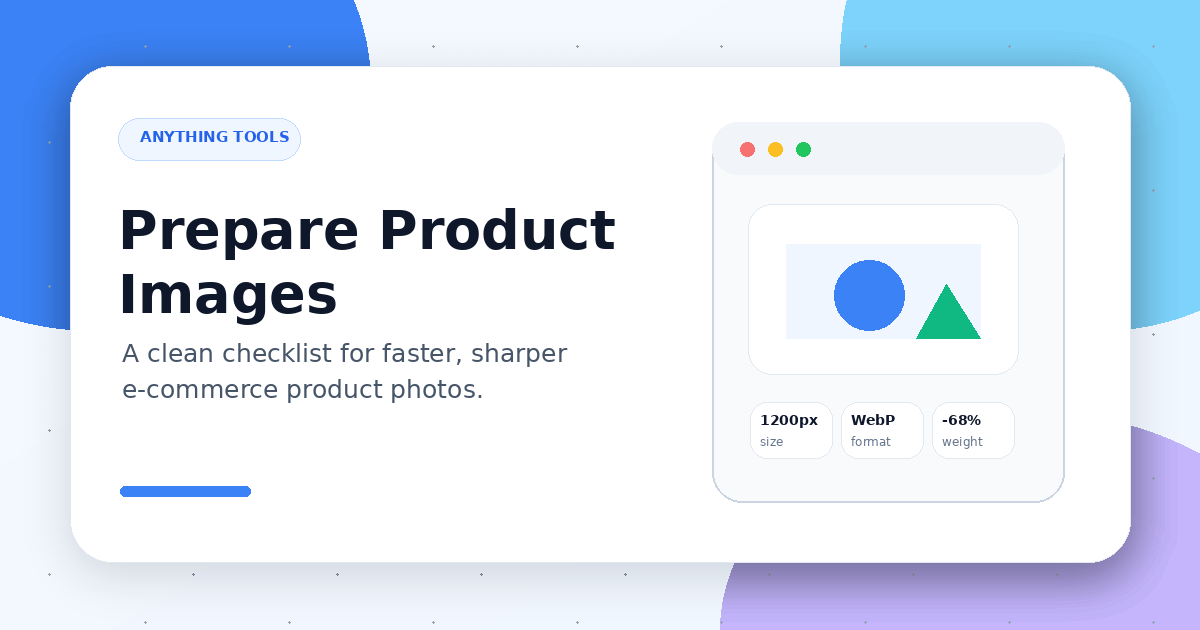
Как подготовить изображения товаров для e-commerce
Практический чек-лист по изменению размера, сжатию, конвертации и именованию изображений товаров перед загрузкой в интернет-магазин.