

Best Free Color Picker Tools Online in 2026
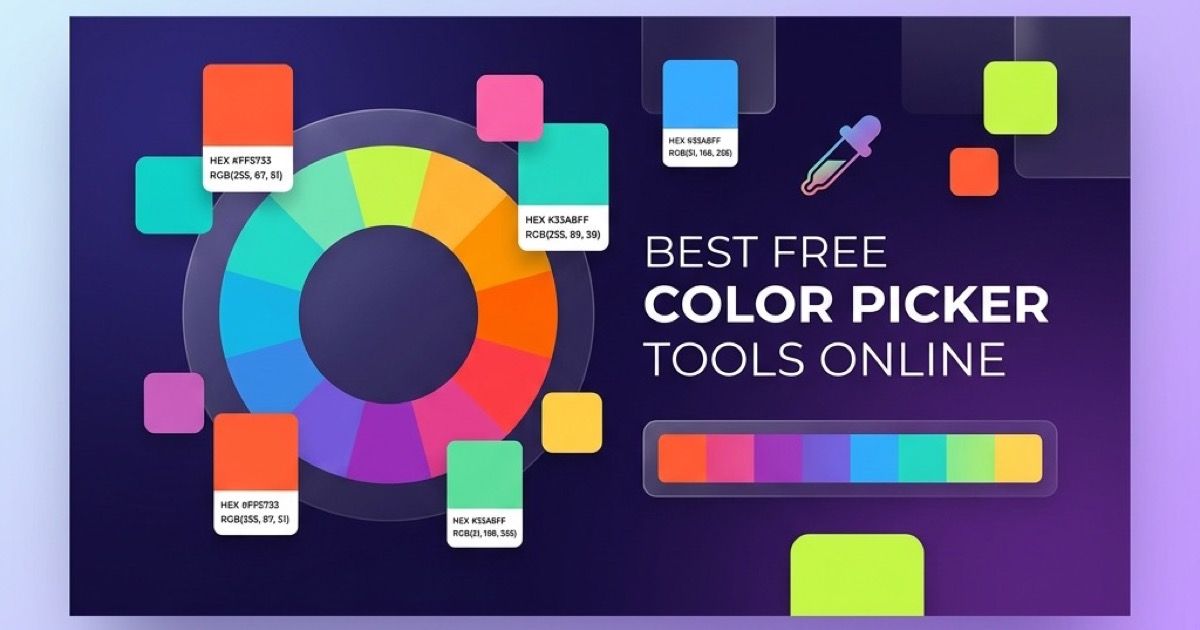
Best Free Color Picker Tools Online in 2026
Color is one of the most powerful elements in design. The right shade of blue can convey trust, the wrong shade of green can make a "Buy Now" button invisible, and a poorly chosen background color can render your text completely unreadable. Whether you are a UI designer refining a brand palette, a front-end developer grabbing HEX codes for CSS, or a content creator choosing accent colors for social media graphics, you need a reliable color picker tool.
In this guide, we compare the best free online color picker tools available in 2026, evaluate their features honestly, and explain why having a privacy-first, browser-based option matters.
What Makes a Great Color Picker Tool?
Before diving into specific tools, let's establish the criteria that separate a truly useful color picker from a basic one:
- Multiple color format support: HEX, RGB, HSL, CMYK, and more. A good tool lets you copy colors in whatever format your project requires.
- Visual precision: A well-designed color gradient area and hue slider that give you fine-grained control.
- Color palette generation: Generating complementary, analogous, triadic, and split-complementary color schemes automatically.
- WCAG accessibility checking: Verifying that text and background color combinations meet contrast ratio guidelines (AA or AAA level).
- No account or installation required: A truly free tool should work instantly in your browser without signup walls.
- Privacy: Your color data and workflow should never be sent to a server or tracked.
Our Top Picks for 2026
1. Anything Tools Color Picker
Website: anything.tools/design/color-picker
Our own color picker was designed with a single philosophy: provide every essential feature without requiring any data to leave your browser. Every color calculation, palette generation, and accessibility check happens 100% client-side in your browser.
Key Features:
- Real-time HEX, RGB, HSL, and CMYK output
- Visual color picker with gradient area and hue slider
- One-click copy for all color formats
- WCAG contrast ratio checker built-in
- Complementary, analogous, triadic, and split-complementary palette generation
- No ads, no signup, no tracking
- Works fully offline once loaded
For advanced format conversions (e.g., converting between HEX, RGB, HSL, and CMYK with full precision), you can also use our dedicated Color Converter.
Best For: Developers and designers who want a fast, private, all-in-one picker.
2. Google Color Picker
How to access: Search "color picker" on Google.
Google's built-in color picker appears directly in search results. It is extremely convenient for quick lookups—just type "color picker" and you have a gradient area with HEX/RGB output.
Key Features:
- Instantly accessible from any Google search
- HEX and RGB output
- Simple gradient picker with hue slider
Limitations:
- No HSL, CMYK, or other format support
- No palette generation
- No WCAG accessibility checking
- No offline capability
- Limited precision for professional workflows
Best For: Quick, one-off color lookups when you're already in a browser tab.
3. Coolors
Website: coolors.co
Coolors is a popular palette generation tool. Its primary strength is helping designers create entire five-color palettes quickly by pressing the spacebar to randomize colors.
Key Features:
- Automatic five-color palette generation
- Color blindness simulation
- Export palettes in several formats (PNG, PDF, SVG, SCSS)
- Color contrast checker (limited)
- Share palettes via URL
Limitations:
- Core workflow is palette-focused, not ideal for picking a single color
- Some features require a paid account
- Colors must be generated and browsed to be selected; no free-entry input
- Cloud-dependent (your palettes are stored on their servers)
Best For: Designers who need harmonious multi-color palettes quickly.
4. ColorHexa
Website: colorhexa.com
ColorHexa is less of a picker and more of a color encyclopedia. Enter any color value and it provides extremely detailed information: conversions, color blindness simulations, related shades, tints, tones, and more.
Key Features:
- Exhaustive color information (probably the most detailed on the internet)
- Supports HEX, RGB, HSL, CMYK, and many other formats
- Color blindness visualization
- Generates shades, tints, tones, and harmonies
Limitations:
- Not a visual picker—you need to already know your color
- Heavy page with lots of ads
- Not designed for workflow speed (you navigate between pages)
Best For: Color research and understanding color science.
5. Adobe Color
Website: color.adobe.com
Adobe Color (formerly Kuler) is the industry-standard palette tool integrated into Adobe's ecosystem. It offers powerful color harmony rules and community-curated palettes.
Key Features:
- Color wheel with harmony rules (analogous, monochromatic, triad, complementary, etc.)
- Accessibility tools (contrast checker with WCAG standards)
- Extract themes from uploaded images
- Integration with Adobe Creative Cloud apps
Limitations:
- Best features require an Adobe account
- Not fully independent—designed to funnel users into the Adobe ecosystem
- Can feel heavy for simple tasks
Best For: Designers already using Adobe Creative Cloud who want tight integration.
Feature Comparison Table
| Feature | Anything Tools | Coolors | ColorHexa | Adobe Color | |
|---|---|---|---|---|---|
| HEX/RGB | ✅ | ✅ | ✅ | ✅ | ✅ |
| HSL | ✅ | ❌ | ✅ | ✅ | ✅ |
| CMYK | ✅ | ❌ | ❌ | ✅ | ✅ |
| Visual Picker | ✅ | ✅ | ✅ | ❌ | ✅ |
| Palette Generation | ✅ | ❌ | ✅ | ✅ | ✅ |
| WCAG Contrast | ✅ | ❌ | Limited | ❌ | ✅ |
| Offline Support | ✅ | ❌ | ❌ | ❌ | ❌ |
| No Account Required | ✅ | ✅ | Partial | ✅ | ❌ |
| Privacy (Client-Side) | ✅ | ❌ | ❌ | ❌ | ❌ |
| Free | ✅ | ✅ | Partial | ✅ | Partial |
Why Privacy Matters in Color Tools
You might think, "It's just a color—what's the privacy concern?" The issue isn't the color itself—it's the workflow tracking. Many online tools use your interactions (what colors you pick, how long you spend, what you export) to build advertising profiles. Some tools require accounts, which ties your design workflow to a corporate platform.
A truly client-side tool like our Color Picker processes everything in your browser's memory. No HTTP requests carry your color data to any server. For sensitive projects (client work under NDA, unrevealed branding, competitive design research), this matters.
Tips for Choosing Colors Like a Pro
No matter which tool you use, here are best practices for professional color selection:
1. Start with Accessibility
Always check your text-to-background contrast ratio first. WCAG 2.1 requires at least 4.5:1 for normal text and 3:1 for large text. Our Color Picker shows real-time contrast ratios so you never ship inaccessible designs.
2. Use the 60-30-10 Rule
In any design, allocate your colors roughly as:
- 60% for the dominant/background color
- 30% for the secondary color
- 10% for the accent color
This creates visual balance and prevents overwhelm.
3. Test on Real Devices
Colors look different on every screen. Always preview your chosen colors on both a laptop and a mobile device. LCD screens and OLED screens render colors very differently.
4. Convert Between Formats Accurately
If you need pixel-perfect color consistency across CSS, print, and design files, use our Color Converter to get exact values in HEX, RGB, HSL, and CMYK simultaneously.
5. Build a Consistent Palette
Don't pick colors in isolation. Build a cohesive palette with primary, secondary, and accent colors. Our color picker generates complementary and analogous harmonies to help you create balanced palettes.
Conclusion
In 2026, there are excellent free color picker tools available for every workflow. Google's picker handles quick lookups. Coolors excels at palette generation. Adobe Color integrates with the Creative Cloud ecosystem. And our own Anything Tools Color Picker delivers the best combination of features, privacy, and speed—all in your browser, with zero tracking, zero accounts, and zero limitations.
Pick the right tool for your workflow, but always remember: the best color is one that your users can actually see, read, and interact with. Start every color decision with accessibility, and the rest will follow.
👉 Try Our Free Color Picker Now | Convert Colors Between Formats
Related Posts
Die Besten Kostenlosen Online-Farbwähler-Tools in 2026
Entdecken Sie die besten kostenlosen Online-Farbwähler für Designer und Entwickler. Vergleichen Sie Funktionen, Formate und Barrierefreiheitsprüfungen.
CSS-Verläufe online erstellen: Ein praktischer Design-Workflow
Erstelle CSS-Verläufe online mit bewussten Farbstopps, gut lesbarem Kontrast und wiederverwendbarem CSS.