

Best Image Format for Email Attachments: JPG, PNG, or WebP?
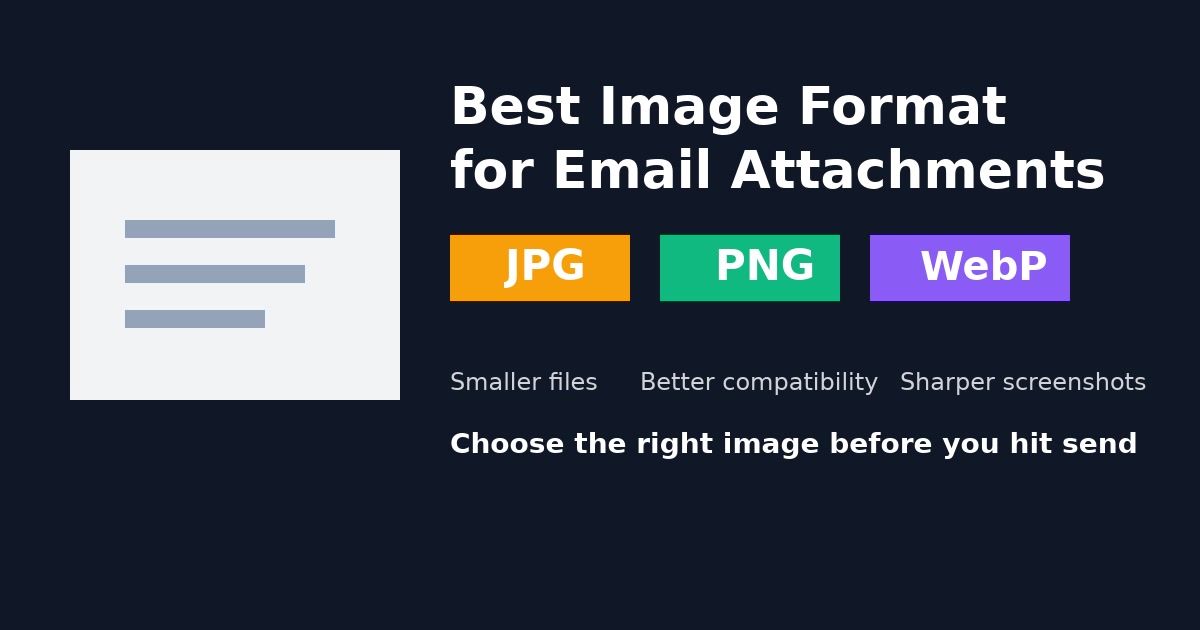
Best Image Format for Email Attachments: JPG, PNG, or WebP?
If you send images by email often, the best format is usually the one that keeps the file small without making the image look broken or unreadable. In most cases, that means JPG for photos, PNG for screenshots or graphics with text, and WebP only when you know the recipient can open it easily.
If you need to prepare an image before sending, start with the Image Compressor to reduce size or the Image Converter to switch formats quickly.
Quick answer
| Image type | Best format for email | Why |
|---|---|---|
| Photos | JPG | Small files and broad compatibility |
| Screenshots with text | PNG | Sharp text and edges |
| Transparent graphics | PNG | Keeps transparency intact |
| Very small web-friendly exports | WebP | Efficient compression, but compatibility can vary |
If you are unsure, send JPG for photos and PNG for screenshots.
Why format choice matters in email
Email attachments still have practical limits:
- large files take longer to upload and download
- some inboxes reject oversized attachments
- compressed screenshots can become hard to read
- not every recipient has the same software support
That is why the best format is not just about quality. It is about size, clarity, and compatibility together.
When JPG is the best choice
JPG is usually the best image format for email attachments when you are sending:
- photos from a phone or camera
- product images
- event pictures
- marketing visuals without transparency
JPG uses lossy compression, which means it removes some image data to make the file smaller. For normal photos, that trade-off is often worth it.
Use JPG when your priority is:
- smaller attachment size
- faster sending
- reliable opening across devices
If your original image is too large, compress it first with the Image Compressor or convert it from PNG using the Image Converter.
When PNG is the better option
PNG is better for email attachments when visual clarity matters more than file size.
Good examples:
- screenshots with interface text
- charts and diagrams
- logos
- graphics that need transparency
PNG keeps sharp edges and text cleaner than JPG. That makes it a safer option for instructions, bug reports, and UI reviews.
The downside is file size. PNG attachments can become much heavier than JPG, especially if the image is large.
Should you use WebP in email?
WebP can produce very small files with strong image quality, but email is not the best place to rely on it.
Why?
- some recipients may not recognize WebP immediately
- older desktop tools may handle it poorly
- the person receiving the image may need to convert it before using it elsewhere
WebP is fine if you control both sides of the workflow or know the recipient can open it. Otherwise, JPG and PNG remain safer choices for email.
Best format by common email scenario
Sending photos to a client or teammate
Use JPG.
Sending a screenshot with UI text
Use PNG.
Sending a logo with a transparent background
Use PNG.
Trying to stay under an attachment limit
Start with JPG, then compress further if needed.
Sending images to non-technical recipients
Prefer JPG or PNG over WebP for better compatibility.
How to make email image attachments smaller
Choosing the right format helps, but so does reducing unnecessary size.
Before sending:
- resize oversized images
- export photos as JPG when transparency is not needed
- keep screenshots as PNG only if text must stay crisp
- compress the final file before attaching it
A common mistake is emailing a huge original image straight from a phone. In many cases, a smaller export looks the same in an inbox but sends much faster.
Final recommendation
If you want the safest default, use this rule:
- choose
JPGfor photos - choose
PNGfor screenshots, graphics, and transparency - choose
WebPonly when compatibility is not a concern
That approach gives you the best balance between quality, file size, and ease of opening.
If the current file is too big or in the wrong format, use the Image Compressor or Image Converter before you send it.
Related Posts

AVIF Format: Complete Guide to the Next-Gen Image Format
Everything you need to know about AVIF image format: browser support, compression quality, how to use it, and when to convert to other formats.
Image Format Guide 2026: PNG vs JPG vs WebP vs AVIF - Which to Use When
Complete comparison of image formats for web and design. Learn when to use JPG, PNG, WebP, AVIF, HEIC, BMP, or GIF for optimal results.