

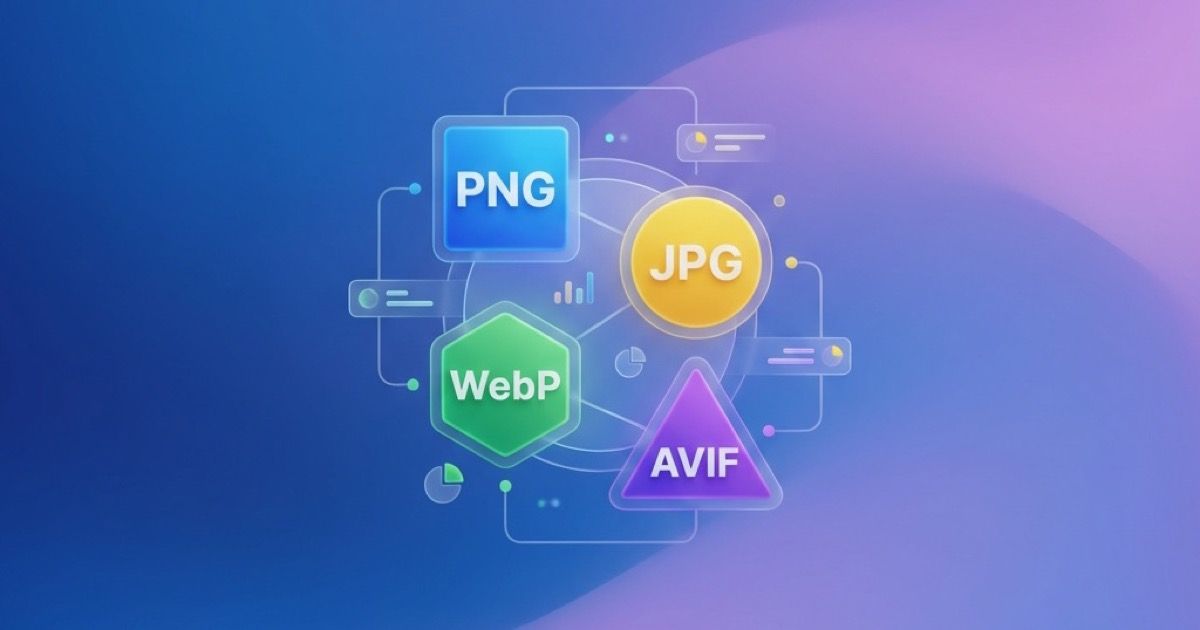
Image Format Guide 2026: PNG vs JPG vs WebP vs AVIF - Which to Use When
Anything Tools Team
||
12 min read
|Guides
Earlier content from previous file...
Conclusion
Choosing the right image format in 2026 comes down to balancing three factors:
- Compatibility: How widely supported is the format?
- Quality: Does it preserve enough detail for your use case?
- File Size: How much bandwidth and storage does it require?
The simple rules:
- For maximum compatibility: Use JPG for photos, PNG for graphics
- For modern websites: Use WebP (or AVIF + WebP) with JPG fallback
- For Apple ecosystem: HEIC is fine, but convert to JPG for sharing
- For print: Use PNG or high-quality JPG
- Never use: BMP (use PNG instead)
As web technologies evolve, AVIF will likely become the new standard, just as WebP has matured. But for now, a layered approach using <picture> elements with multiple format sources gives you the best of all worlds.
Need to convert between formats? Try our free tools:
Last updated: February 2026
Related Posts

Guides
AVIF Format: Complete Guide to the Next-Gen Image Format
Everything you need to know about AVIF image format: browser support, compression quality, how to use it, and when to convert to other formats.
•8 min read
Guides
Best Image Format for Email Attachments: JPG, PNG, or WebP?
Learn which image format is best for email attachments, when to use JPG, PNG, or WebP, and how to reduce file size before sending.
•5 min read