

How to Format JSON Online in 2026

How to Format JSON Online in 2026
Messy JSON slows down debugging. One missing comma, one broken quote, or one deeply nested object can turn a quick check into wasted time. A good online formatter helps you clean the structure, spot syntax issues, and read the payload faster.
If you want the fastest workflow, use the Anything Tools JSON Formatter. It lets you paste raw JSON, prettify it, and inspect the structure directly in the browser.
When an online JSON formatter is useful
JSON formatting is not only for developers building APIs. It is also useful for:
- checking webhook payloads
- reading exported settings files
- cleaning copied API responses
- validating configuration snippets before deployment
- sharing readable examples with teammates
The main value is readability. Once the indentation is fixed, it becomes easier to compare arrays, nested objects, booleans, and null values.
What to look for in a JSON formatter
A useful formatter should do more than add spaces. In practice, you want:
- Pretty print output so nested data is easy to scan.
- Validation feedback so malformed JSON is obvious.
- Fast local interaction so you can test small changes quickly.
- Copy-friendly output for docs, tickets, and debugging chats.
For adjacent encoding work, the URL Encoder is also useful when JSON values need to be passed through query strings.
A simple workflow
- Paste the raw JSON into the formatter.
- Run formatting first.
- If the formatter reports an error, inspect the line with the issue.
- Fix common mistakes such as trailing commas, single quotes, or missing braces.
- Copy the clean result back into your code, documentation, or test environment.
That workflow is faster than trying to read minified JSON inside logs.
Common JSON mistakes
The same problems appear again and again:
- using single quotes instead of double quotes
- adding trailing commas
- forgetting a closing bracket
- mixing strings and numbers by accident
- pasting JavaScript objects that are not valid JSON
Remember that JSON is stricter than plain JavaScript. If a formatter rejects the input, it usually means the data is not valid JSON yet.
Formatting vs validating
These two ideas are related but not identical.
- Formatting makes valid JSON readable.
- Validation tells you whether the syntax is actually correct.
A good tool helps with both. Formatting alone is not enough if the payload still contains invalid characters or broken structure.
Privacy and browser-based workflows
For many teams, payloads can include internal IDs, customer fields, or operational metadata. That is one reason browser-based utilities are attractive: they remove friction and can keep the workflow lightweight.
If you regularly inspect text payloads, the Text Counter can also help when you need quick length checks for logs, prompts, or API field limits.
Best practices in 2026
- format before you compare versions
- keep sample payloads small when sharing publicly
- validate before committing configuration files
- avoid editing large minified JSON by hand
- keep one clean canonical example in docs
Conclusion
Formatting JSON online is still one of the simplest ways to speed up debugging. The goal is not just prettier output. The real goal is faster understanding and fewer mistakes. If you need a quick browser workflow, start with the Anything Tools JSON Formatter and turn unreadable payloads into something you can actually work with.
Related Posts
Convert Images to Base64: When It Helps and When It Hurts
Learn when Base64 image strings are useful for prototypes, emails, and small assets, plus when normal image files are better.
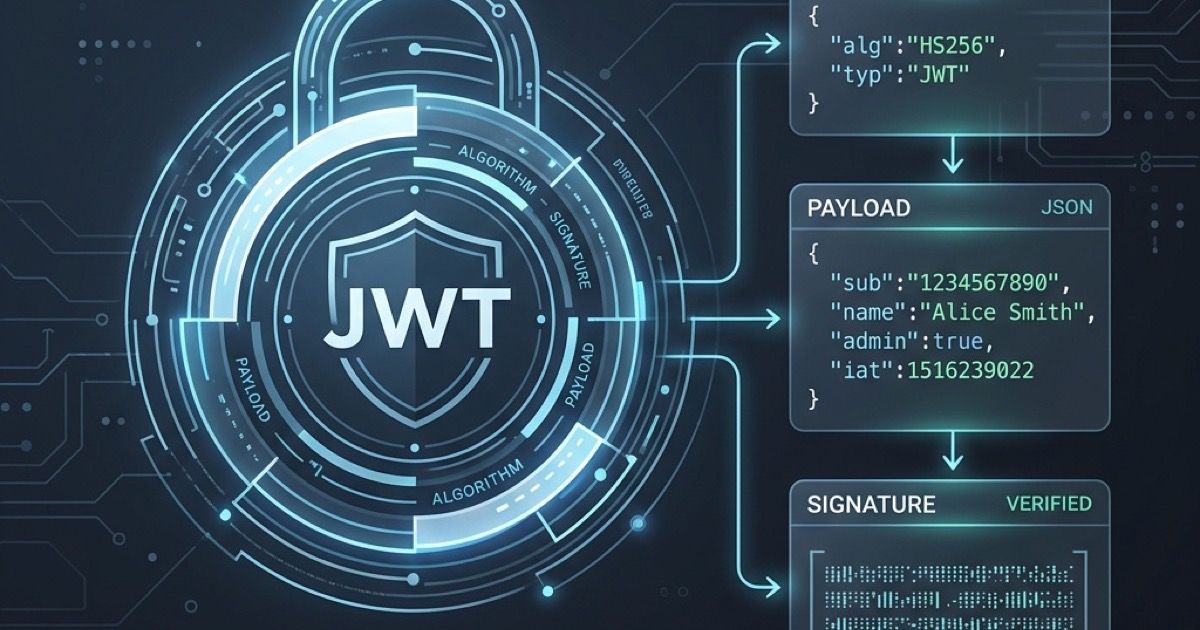
Wie man JWT-Token online decodiert
Erfahren Sie, wie Sie JSON Web Tokens (JWT) sicher und einfach in Ihrem Browser decodieren und überprüfen können.