

PNG vs JPG: When to Use Each Format (With Examples)
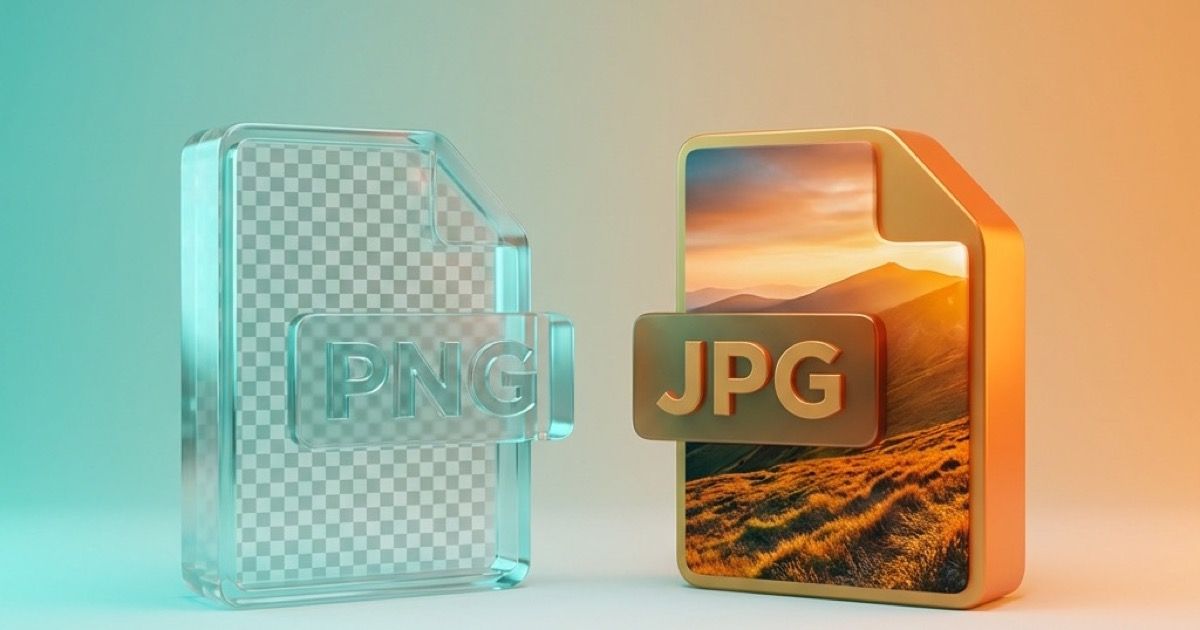
PNG vs JPG: When to Use Each Format (With Examples)
PNG or JPG? It's the most common image format question. Here's a definitive guide with clear rules.
The Quick Answer
Use JPG for: Photos, complex images, file size matters
Use PNG for: Logos, screenshots, transparency needed, text
Quick Decision Flowchart
Does the image need transparency?
├── Yes → PNG
└── No →
    Is it a photograph?
    ├── Yes → JPG
    └── No →
        Does it have text or sharp edges?
        ├── Yes → PNG
        └── No → Either works (JPG for smaller file)
Understanding the Formats
JPG (JPEG)
Type: Lossy compression
How it works: Removes data to reduce file size. You can't get the data back.
File size: Small (photos: 100-500KB typical)
Best quality: 85-95% setting
Weaknesses:
- No transparency
- Artifacts around sharp edges
- Quality degrades with each save
PNG
Type: Lossless compression
How it works: Compresses without removing data. Perfect quality always.
File size: Large (photos: 2-10MB typical)
Quality: Always 100% (lossless)
Weaknesses:
- Much larger files
- Overkill for photographs
- No native animation (use APNG)
Side-by-Side Comparisons
Example 1: Photograph
| Format | File Size | Quality |
|---|---|---|
| PNG | 8.2 MB | Perfect |
| JPG 95% | 1.8 MB | Excellent |
| JPG 85% | 620 KB | Very Good |
| JPG 70% | 280 KB | Good |
Winner: JPG (620KB at 85% looks identical to PNG at viewing size)
Example 2: Logo with Transparency
| Format | File Size | Quality |
|---|---|---|
| PNG-24 | 145 KB | Perfect + transparent |
| PNG-8 | 28 KB | Good + transparent |
| JPG | 120 KB | Sharp but no transparency |
Winner: PNG (transparency support essential)
Example 3: Screenshot with Text
| Format | File Size | Quality |
|---|---|---|
| PNG | 450 KB | Crisp text |
| JPG 95% | 380 KB | Slightly blurry text |
| JPG 85% | 180 KB | Noticeable blur |
Winner: PNG (text clarity matters)
Example 4: Simple Graphic
| Format | File Size | Quality |
|---|---|---|
| PNG | 25 KB | Perfect edges |
| JPG 95% | 42 KB | Faint artifacts |
| JPG 85% | 18 KB | Visible artifacts |
Winner: PNG (smaller AND better quality for solid colors)
When JPG is Better
✅ Photographs
Photos have millions of colors and subtle gradients. JPG's lossy compression is designed for exactly this.
Rule: If it came from a camera, use JPG.
✅ Complex Artwork
Paintings, illustrations with many colors, gradients - JPG handles these well.
✅ File Size Matters
For email, upload limits, storage:
- PNG photo: 8 MB
- Same as JPG: 600 KB
✅ Web Page Speed
Every KB counts. A page with 10 photos:
- As PNG: 80 MB (page won't load)
- As JPG: 5 MB (fast loading)
✅ Social Media
Most platforms convert to JPG anyway. Upload quality JPG (90%) to control the compression.
When PNG is Better
✅ Transparent Backgrounds
Only PNG (and WebP) handle transparency. JPG cannot.
Examples:
- Logos over different backgrounds
- Product images for e-commerce
- Overlay graphics
✅ Text and Screenshots
JPG creates blur and artifacts around sharp edges. Text becomes unreadable.
Always use PNG for:
- Screenshots
- Infographics with text
- UI mockups
- Diagrams
✅ Logos and Icons
Sharp edges + solid colors = PNG wins.
JPG artifacts are visible on:
- Logo edges
- Icon details
- Clean lines
✅ Images You'll Edit
Each JPG save loses quality. PNG preserves quality through unlimited edits.
Workflow tip:
- Work in PNG (or PSD/TIFF)
- Export to JPG only for final delivery
✅ Solid Color Graphics
Counter-intuitively, PNG is smaller than JPG for simple graphics:
A red square:
- PNG: 2 KB
- JPG: 15 KB
PNG excels at compressing solid colors.
Conversion Guide
JPG to PNG
When: Adding transparency, repeated editing
Quality: No loss (preserves JPG quality)
File size: Gets larger (2-5x)
PNG to JPG
When: Reducing file size, photo distribution
Quality: Some loss (use 85-90%)
File size: Gets smaller (3-10x)
Modern Alternative: WebP
WebP combines the best of both:
- Lossy AND lossless compression
- Transparency support
- Smaller files than both
Consider WebP for web use when browser support isn't a concern.
Common Mistakes
❌ Saving photos as PNG
Wastes space. A photo saved as PNG is 5-10x larger than necessary.
❌ Saving screenshots as JPG
Creates ugly artifacts around text and UI elements.
❌ Saving logos as JPG
Loses transparency and creates artifacts on clean edges.
❌ Re-saving JPGs multiple times
Each save degrades quality. Work in PNG/PSD, export to JPG once.
❌ Using PNG-24 for simple graphics
PNG-8 is much smaller. Only use PNG-24 for many colors or smooth gradients.
Format Recommendation by Content Type
| Content Type | Format | Why |
|---|---|---|
| Photos | JPG 85% | Small files, looks great |
| Screenshots | PNG | Sharp text |
| Logos | PNG or SVG | Transparency + crisp |
| Icons | PNG or SVG | Small size + sharp |
| Infographics | PNG | Text clarity |
| Social media posts | JPG 90% | Platform compatibility |
| Product photos | PNG or JPG | Depends on background |
| Diagrams | PNG | Clean lines |
| Memes | JPG or PNG | JPG for photo-based |
Quality Settings Reference
JPG Quality Levels
| Setting | Use Case | Typical Size |
|---|---|---|
| 100% | Archival (rarely needed) | Large |
| 90-95% | Print, high quality web | Medium |
| 80-85% | Web images, email | Small |
| 70-80% | Thumbnails | Very small |
| Below 70% | Not recommended | Visible artifacts |
PNG Optimization
PNG doesn't have quality settings, but you can reduce size:
| Method | Effect |
|---|---|
| PNG-8 vs PNG-24 | 60-80% smaller (limited colors) |
| Remove metadata | 5-20% smaller |
| Optimize with tools | 10-40% smaller |
Frequently Asked Questions
Which format has better quality?
PNG preserves 100% quality. JPG loses quality but looks identical in photos at 85%+.
Why is my PNG so large?
PNGs are large for photos. Convert to JPG if it's a photograph.
Can I convert JPG to PNG to get quality back?
No. Once quality is lost in JPG compression, it's gone forever.
Is PNG always lossless?
Yes, PNG never loses quality, but the file your PNG was made from may have been lossy (like a JPG).
Should I use PNG or JPG for my website?
- Photos: JPG (or WebP)
- Graphics: PNG (or SVG)
- Modern sites: WebP for everything
Does converting between formats hurt quality?
- JPG → PNG: No loss
- PNG → JPG: Slight loss (use 85-90%)
- JPG → JPG: Quality degrades
Conclusion
Remember these rules:
- Photographs = JPG
- Transparency needed = PNG
- Text/screenshots = PNG
- Logos/icons = PNG or SVG
- Modern web = Consider WebP
When in doubt: if it's a photo, use JPG. Everything else, use PNG.
Convert Your Images
Need to convert between formats?
- PNG to JPG - Reduce photo file sizes
- JPG to PNG - Add transparency capability
- Both to WebP - Modern optimization
Last updated: February 2026
Related Posts

AVIF Format: Complete Guide to the Next-Gen Image Format
Everything you need to know about AVIF image format: browser support, compression quality, how to use it, and when to convert to other formats.
Best Image Format for Email Attachments: JPG, PNG, or WebP?
Learn which image format is best for email attachments, when to use JPG, PNG, or WebP, and how to reduce file size before sending.