

CSV to JSON Converter
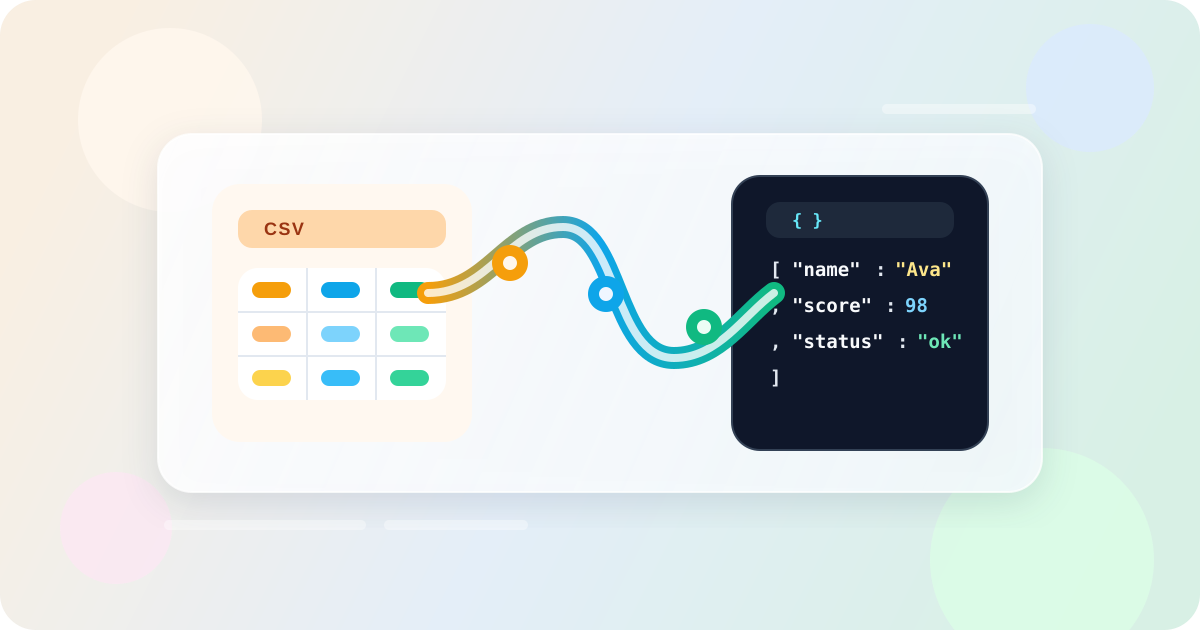
Convert CSV data into JSON arrays with delimiter detection, preview, and export in your browser.
Auto delimiter detection Header row support Preview and validate Private by default Easy to Use Lightning Fast
CSV Input
Paste exported spreadsheet rows, database dumps, or analytics reports.
0 input rows
Rows
0
Columns
0
Delimiter
Comma
Warnings
0
JSON Output
Paste CSV to generate JSON records.
Waiting for CSV
Paste CSV data to inspect the detected delimiter and JSON output.
Parsed preview
0 rows shownNo parsed rows yet
Add CSV on the left to preview the JSON structure.
Common CSV to JSON workflows
This tool fits everyday export and integration tasks.
API payload prep
Transform spreadsheet exports into JSON arrays for API requests or fixtures.
Analytics cleanup
Convert reporting exports before loading them into scripts or dashboards.
Data QA
Spot missing cells or row width mismatches before you import records elsewhere.
How to convert CSV to JSON
Three quick steps for a clean export.
1. Paste CSV data
Drop in exported rows from Excel, Google Sheets, or another source.
2. Confirm parsing settings
Choose auto or manual delimiter handling, header usage, and indentation.
3. Copy or download JSON
Review the preview table, then copy the JSON or save it as a file.
Frequently Asked Questions
Find answers to the most common questions.