オンラインでSVGをPNGに変換する方法
オンラインでSVGをPNGに変換する方法
SVG is a great format for logos, icons, and vector illustrations because it stays sharp at different sizes. But many everyday workflows still need PNG: social posts, documents, email assets, app icons, marketplace uploads, and files shared with non-design teams.
For a quick browser workflow, use the Anything Tools Image Converter. It converts the file online without requiring a design app.
When SVG to PNG conversion makes sense
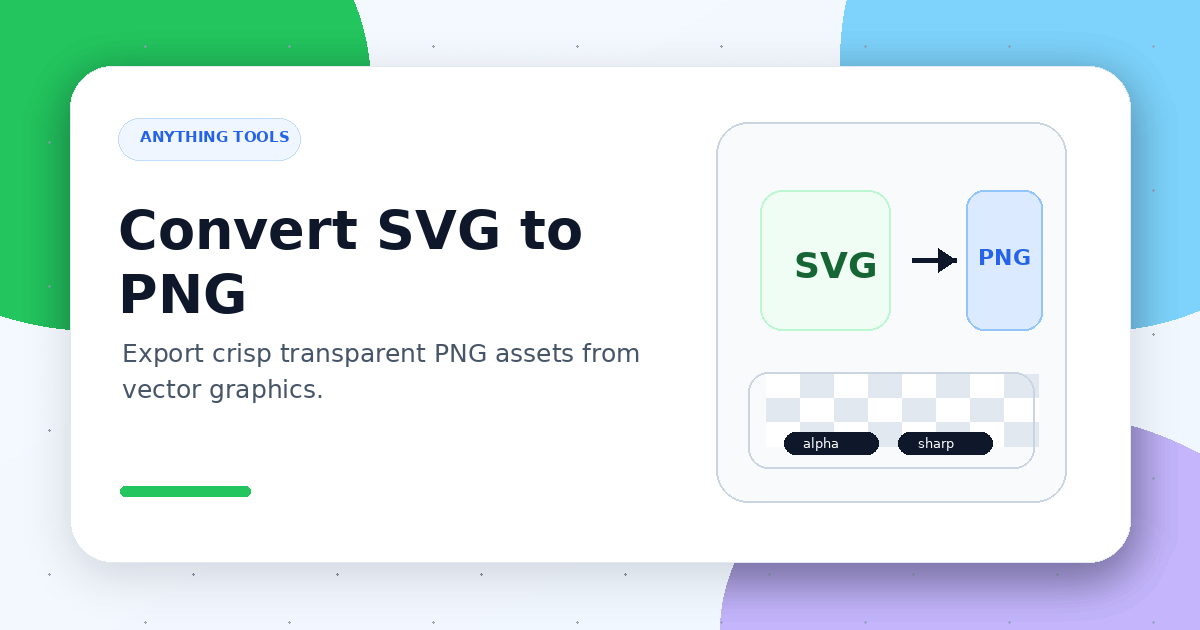
SVG is a vector format. PNG is a pixel format. Converting SVG to PNG is usually about compatibility or fixed-size delivery.
Common use cases include:
- exporting a website or app icon at a specific size
- uploading graphics to platforms that do not accept SVG
- placing a logo in a document or presentation
- sharing assets with teammates who do not use vector tools
- creating transparent-background PNG files for product or brand assets
Choose the output size first
PNG has a fixed pixel size, so decide where the image will be used before converting it. A 128px icon and a 1200px social image need very different exports.
Useful guidelines:
- icons: export at the display size and a 2x version
- logos: keep the transparent background and export enough width
- social images: match the target platform ratio
- documents: choose a clear size without creating a huge file
Avoid blurry edges
If you export a small PNG and then scale it up, it will look blurry. Export directly from the SVG at the final size instead.
After conversion, check thin lines, text, and transparent edges. These are the areas where conversion mistakes are easiest to notice.
Compress if the PNG is large
High-resolution PNG files can become heavy. After conversion, run the output through the Image Compressor if it will be used on a web page. If another format is better, continue with the Image Converter and export WebP or JPG.
Simple conversion workflow
- Open the Image Converter
- Upload or choose the SVG file
- Select the right output size
- Export the PNG
- Check transparency, edges, and text sharpness
- Compress the image if needed
Final thoughts
The key to SVG to PNG conversion is deciding the use case and size before exporting. When you export directly from the vector source and check transparency and edges, you get PNG files that work well for websites, documents, social posts, and product assets.