如何把 PNG 轉成 JPG 來縮小檔案體積
Anything Tools 編輯部
||
6 分鐘閱讀
|圖片轉換
如何把 PNG 轉成 JPG 來縮小檔案體積
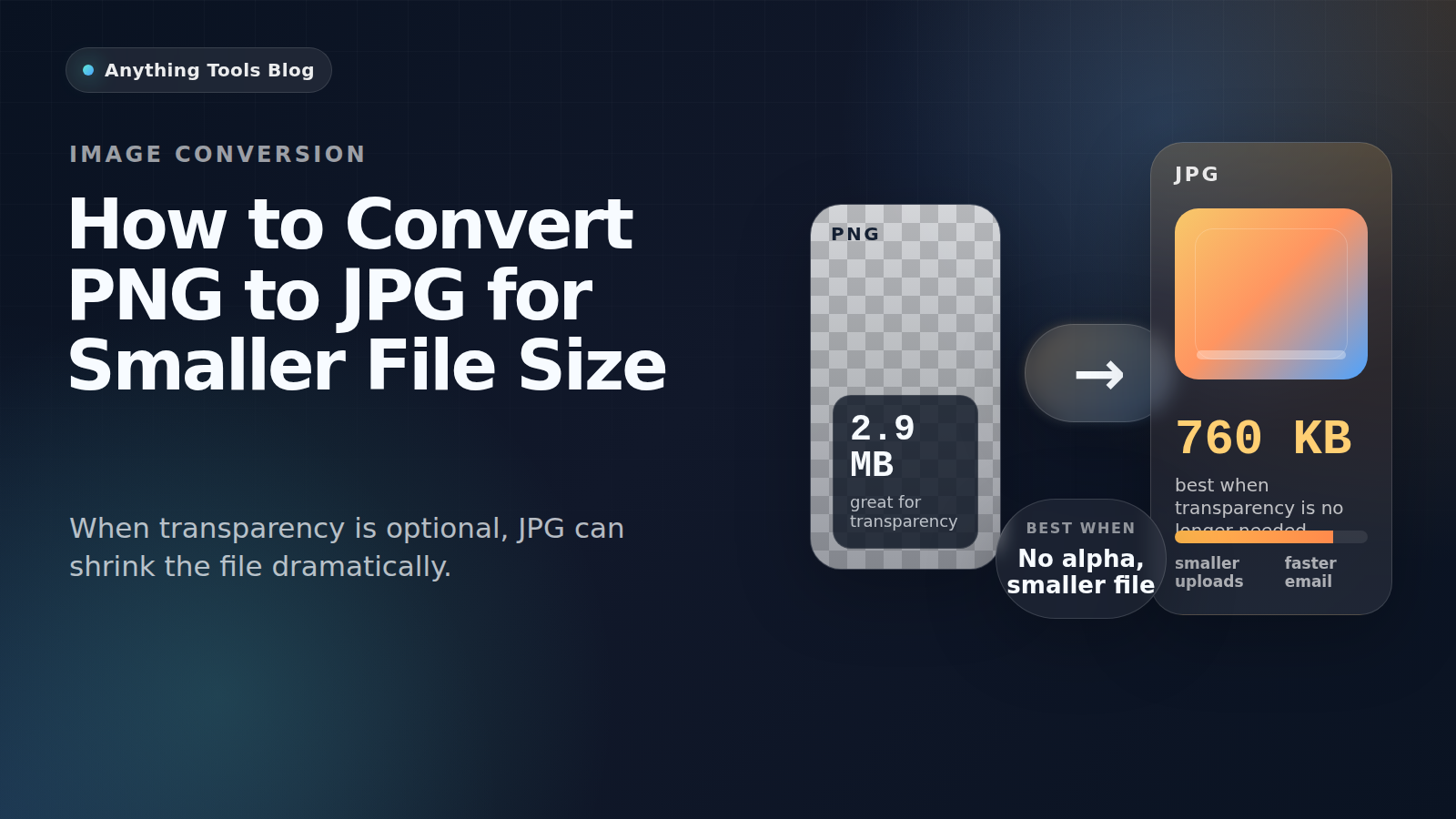
PNG 很適合截圖、Logo 與透明圖形,但如果圖片本質上更像照片,而且已經不需要透明背景,PNG 往往會大得沒有必要。
Good candidates for conversion
PNG to JPG works best for photographs, flattened marketing visuals, blog headers, and product images that no longer need transparency.
When not to use JPG
Keep PNG for logos, icons, UI screenshots, tiny text, and any image that still requires transparency. JPG compression can blur edges and create artifacts.
Practical workflow
- Check whether transparency is still needed.
- Resize first with Image Resizer.
- Convert with PNG to JPG.
- Run a second pass in Image Compressor if necessary.
- Review the result at 100% zoom before publishing.
Why the size drop can be large
Design tools often export PNG losslessly. If the image is really a photo, JPG can reduce the size dramatically while keeping the result visually acceptable.
Final takeaway
Convert PNG to JPG when the image behaves like a photo. Keep PNG for transparency, sharp graphics, and text-heavy assets.