

Convert Images to Base64: When It Helps and When It Hurts
Convert Images to Base64: When It Helps and When It Hurts
Base64 turns a small image into text that can be pasted into HTML, CSS, JSON, or a quick prototype. It is convenient, but it is not always faster or cleaner than linking a normal image file.
Why this matters
Use the Image to Base64 tool when you need a tiny icon, a test fixture, or a self-contained snippet. If you only need to understand or decode a string, the Base64 Encoder/Decoder is the simpler companion.
Use cases
The trade-off is size. Base64 usually makes binary data larger, and very long strings are hard to review in code. For photos, screenshots, or blog covers, keep a real file and optimize the format with the Image Converter.
Performance trade-offs
A practical rule: inline only small assets that truly need to travel with the document. Keep everything else as a separate image so browsers can cache it, designers can replace it, and reviewers can inspect changes.
Final checklist
Before shipping, test the page on a slow connection and check that the source code remains readable. Base64 is a useful tool, not a default publishing format.
Related Posts
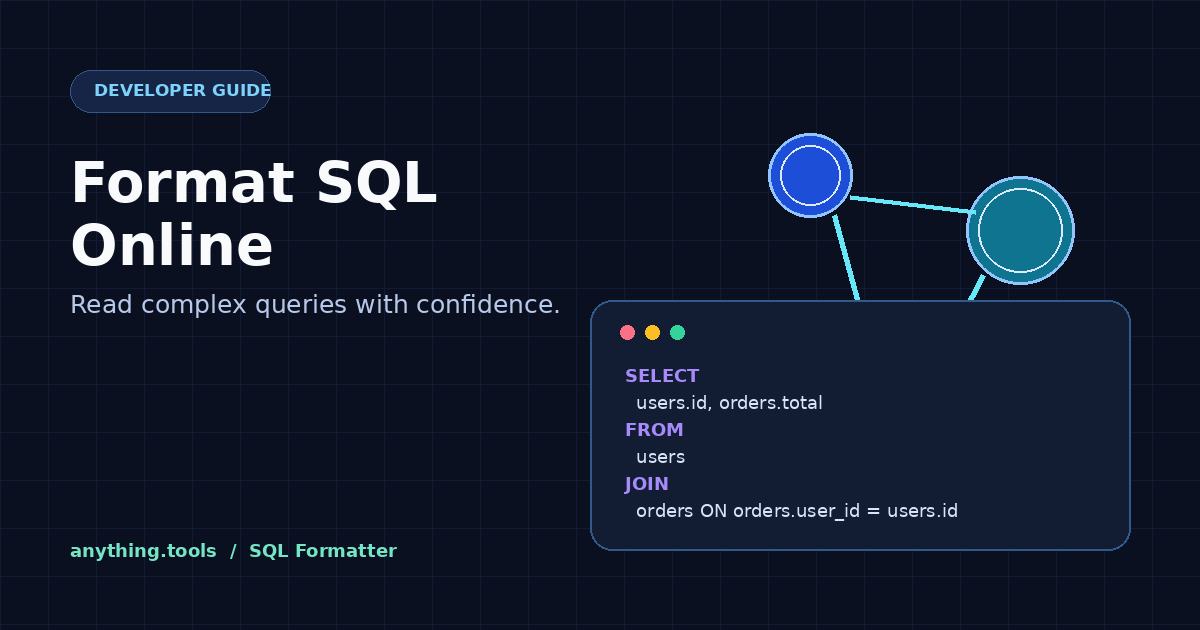
How to Format SQL Online: Make Queries Easier to Read
Format SQL online to turn dense queries into readable, review-ready code. Learn a safe workflow for indentation, keywords, and sharing SQL without changing its meaning.

How to Convert ChatGPT Session JSON Safely in Your Browser
Convert ChatGPT auth session JSON into Sub2API, CPA, Cockpit, 9Router, Codex, and AxonHub formats locally in the browser without exposing tokens.