

How to Convert Unix Timestamp to Date in 2026
How to Convert Unix Timestamp to Date in 2026
Unix timestamps appear everywhere: API payloads, logs, databases, analytics tools, cache records, and background jobs. They are compact and easy for systems to process, but not easy for humans to read during debugging.
That is why developers constantly need to convert raw timestamps into real dates and times. If you want the quickest workflow, use the Anything Tools Unix Timestamp Converter.
What a Unix timestamp actually represents
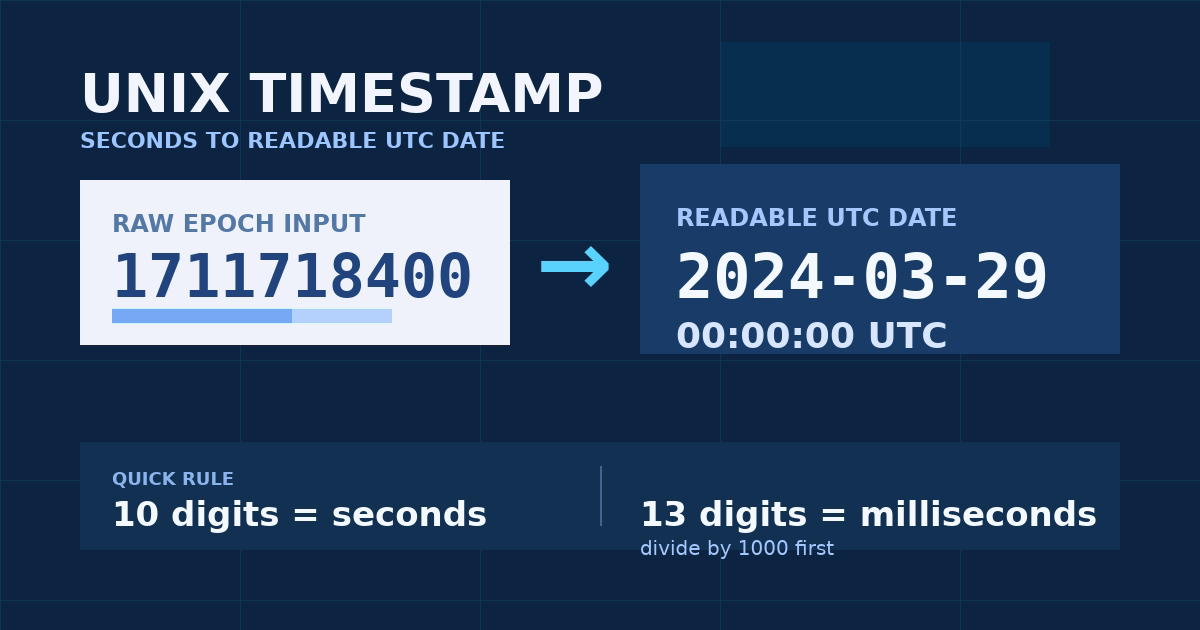
A Unix timestamp is the number of seconds or milliseconds that have elapsed since January 1, 1970 00:00:00 UTC.
Two details cause most mistakes:
- some systems store seconds
- some systems store milliseconds
For example:
1711718400usually means seconds1711718400000usually means milliseconds
If you read the wrong unit, the resulting date will be wildly incorrect.
Why timestamp conversions go wrong so often
Timestamp bugs are usually not about arithmetic. They come from missing context:
- a backend returns milliseconds but the frontend expects seconds
- a log shows UTC but the browser displays local time
- a string value is parsed incorrectly
- developers compare ISO strings, local times, and epoch numbers in the same workflow
When debugging time data, you need to check the unit, timezone, and display format before assuming the value is wrong.
Convert in the browser for quick debugging
For day-to-day work, a browser converter is faster than writing throwaway code every time.
The Anything Tools Unix Timestamp Converter is useful because it lets you:
- convert timestamp to readable date instantly
- convert date back to epoch
- switch between seconds and milliseconds
- inspect results without sending the value anywhere else
That is especially helpful when you are working with production logs, webhook payloads, or copied JSON snippets.
Understand UTC, local time, and ISO output
A timestamp itself is timezone-neutral. The confusion starts when software displays it.
You will commonly see the same point in time rendered as:
- UTC
- your browser's local timezone
- ISO 8601 strings
- formatted application dates
The value is the same. The presentation changes.
When a date looks wrong, ask:
- Is the raw timestamp correct?
- Is the unit correct?
- Am I looking at UTC or local time?
That sequence solves most conversion mistakes quickly.
Common developer use cases
Timestamp conversion is useful in many routine tasks:
- checking when a token expires
- reading audit logs
- debugging scheduled jobs
- validating analytics events
- comparing database records with API output
If the timestamp lives inside a larger payload, the Anything Tools JSON Formatter is a convenient companion for cleaning up the object before inspecting the date fields.
Seconds vs milliseconds: the fastest sanity check
If you only remember one rule, remember length:
- 10 digits usually means seconds
- 13 digits usually means milliseconds
It is not mathematically universal, but it is a fast practical check that catches many errors.
You should also be careful with APIs that document one unit and return another after an update or wrapper change.
Don’t forget edge cases
A few timestamp issues still matter in 2026:
- negative timestamps for dates before 1970
- year 2038 discussions in legacy 32-bit environments
- daylight saving transitions in local displays
- mixed string and number types in JSON
Modern web tooling handles most of this well, but your debugging process still needs to be explicit.
A repeatable workflow
Use this simple process whenever a time value looks suspicious:
- Copy the raw timestamp.
- Check whether it has 10 or 13 digits.
- Convert it in the browser.
- Compare UTC and local output.
- Trace the original field back to the source system.
This avoids the common trap of patching a display bug when the real problem is unit mismatch upstream.
Final takeaway
Unix timestamps are efficient for machines but opaque for humans. The fastest way to debug them is to keep a simple conversion workflow close at hand and verify units before anything else.
If you need a lightweight way to inspect epoch values, convert dates, and move between seconds and milliseconds, start with the Anything Tools Unix Timestamp Converter.
Related Posts
Convert Images to Base64: When It Helps and When It Hurts
Learn when Base64 image strings are useful for prototypes, emails, and small assets, plus when normal image files are better.
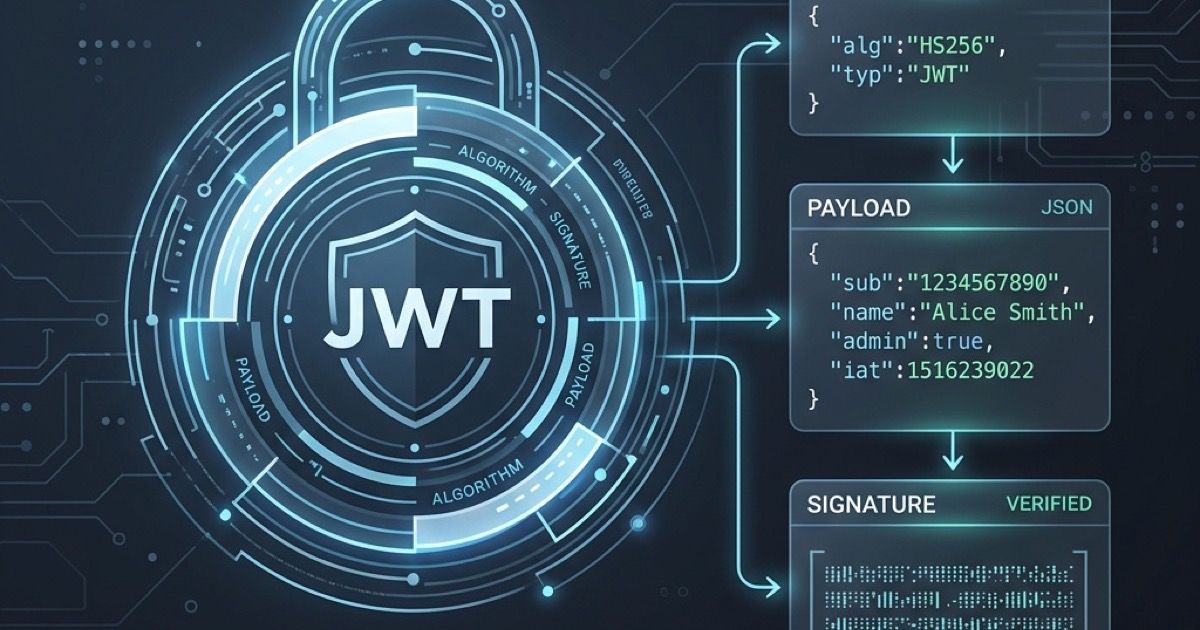
Wie man JWT-Token online decodiert
Erfahren Sie, wie Sie JSON Web Tokens (JWT) sicher und einfach in Ihrem Browser decodieren und überprüfen können.