
How to Detect and Remove Hidden ChatGPT & AI Text Watermarks (U+202F, Zero-Width Unicode Guide)
When you copy and paste text or code from ChatGPT, Claude, DeepSeek, or Gemini, the output often contains more than just standard letters and spaces.
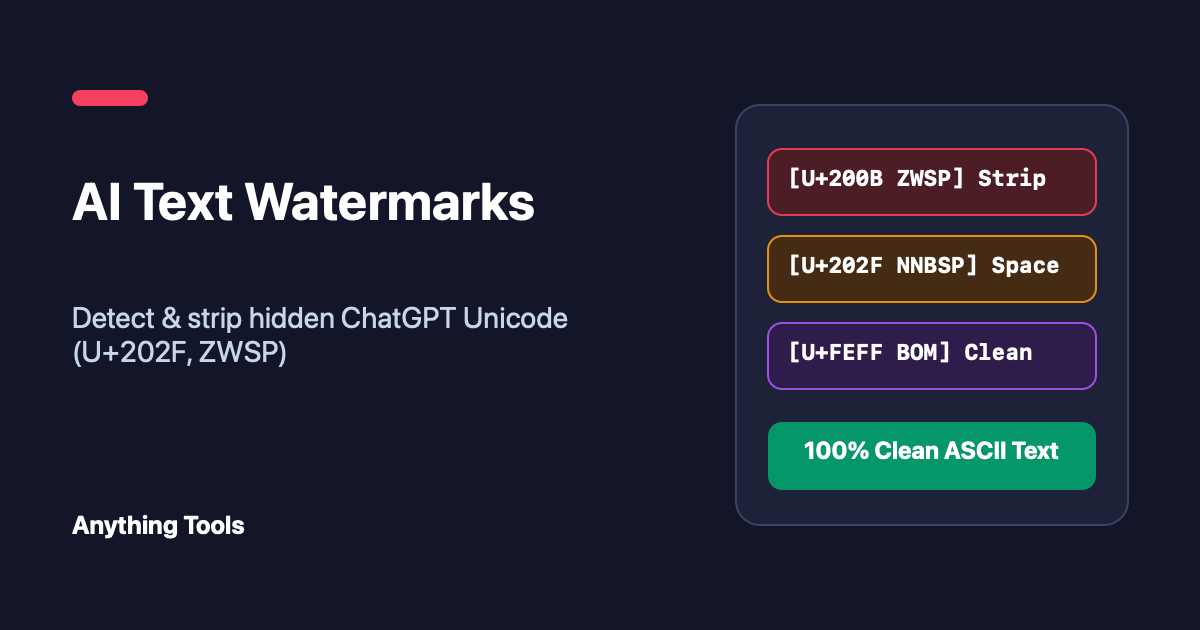
Developers, writers, and researchers across Reddit and GitHub have documented that LLM outputs frequently include invisible Unicode characters and non-standard whitespace code points—most notably U+202F (Narrow No-Break Space), U+200B (Zero-Width Space), U+FEFF (Byte Order Mark), and heavy concentrations of U+2014 (Em-Dashes).
In this guide, we break down the difference between character-level Unicode fingerprints and statistical text patterns, and show you how to X-ray and clean your text locally using our free ChatGPT & AI Text Watermark Remover.
The 4 Types of Hidden Markers Found in AI-Generated Text
| Marker Category | Common Code Points | Visual Appearance | Why It Causes Problems |
|---|---|---|---|
| Zero-Width Characters | U+200B (ZWSP), U+200C, U+200D, U+2060, U+FEFF | Completely invisible (0px wide) | Breaks regex searches, code compilers, and leaves traceable digital fingerprints |
| AI Non-Standard Spaces | U+202F (NNBSP), U+00A0 (NBSP), U+2009 | Looks like a normal space | ChatGPT frequently emits U+202F around punctuation; trivial for detection scripts to flag |
| AI Punctuation Habits | U+2014 (— Em-Dash), U+201C / U+201D (Curly Quotes) | Wide dash / curved quotes | Overused by LLMs; curly quotes break JSON, SQL, and shell scripts |
| Cyrillic Homoglyphs | U+0430 (а), U+0435 (е), U+043E (о) | Identical to Latin a, e, o | Triggers IDN/homograph security warnings and breaks string equality checks |
Step-by-Step: How to X-Ray and Clean AI Text in Your Browser
Step 1: Paste Your Draft or Code into the Scanner
Open the ChatGPT & AI Text Watermark Remover and paste the text you copied from ChatGPT, Claude, or Gemini.
Step 2: Inspect Hidden Code Points in Visual X-Ray Mode
Switch to the Visual X-Ray Highlight tab. Every hidden character is exposed in-place with a color-coded badge:
- Red Badges (
U+200B ZWSP,U+FEFF BOM): Zero-width invisible tracking or formatting characters. - Amber Badges (
U+202F NNBSP,U+00A0 NBSP): Non-standard AI whitespace characters. - Purple Badges (
U+2014 EM-DASH,CYR-a): Typographic fingerprints and homoglyphs.
Step 3: Customize Cleaning Rules & Copy Clean Text
Check or uncheck rules depending on your workflow (for example, enable Replace AI Em-Dashes and Convert Curly Quotes when cleaning source code or technical documentation), then click Copy Clean Text.
Related AI Watermark & Metadata Tools
- Need to remove the visible corner watermark from Google Gemini images? Use our lossless Gemini Image Watermark Remover.
- Want to check if an image contains hidden C2PA or SynthID/EXIF AI metadata? Run it through the AI Image Detector or strip it with the Image Metadata & C2PA Remover.