
AI Text Watermark Remover
AI Text Input
Paste text from ChatGPT, Claude, DeepSeek, or Gemini to scan for hidden characters
Watermark & Fingerprint Cleaning Rules
Detected Characters
0 character typesTotal Cleaned
0
Zero-Width Chars
0
AI Special Spaces
0
Clean Length
0
How to Detect and Remove ChatGPT Text Watermarks
Paste Text from ChatGPT, Claude, or Gemini
Paste your AI-generated draft, essay, or source code into the input editor.
Inspect in Visual X-Ray Mode
See every hidden U+200B zero-width space, U+202F narrow no-break space, or homoglyph highlighted in-place with its exact Unicode code point.
Copy 100% Clean ASCII/UTF-8 Text
Toggle optional rules for Em-dashes or smart quotes, then click Copy Clean Text to paste safe, standard text anywhere.
Why Use Our AI Text Watermark & Invisible Character Cleaner?
Related AI Watermark & Text Utilities
Related Posts
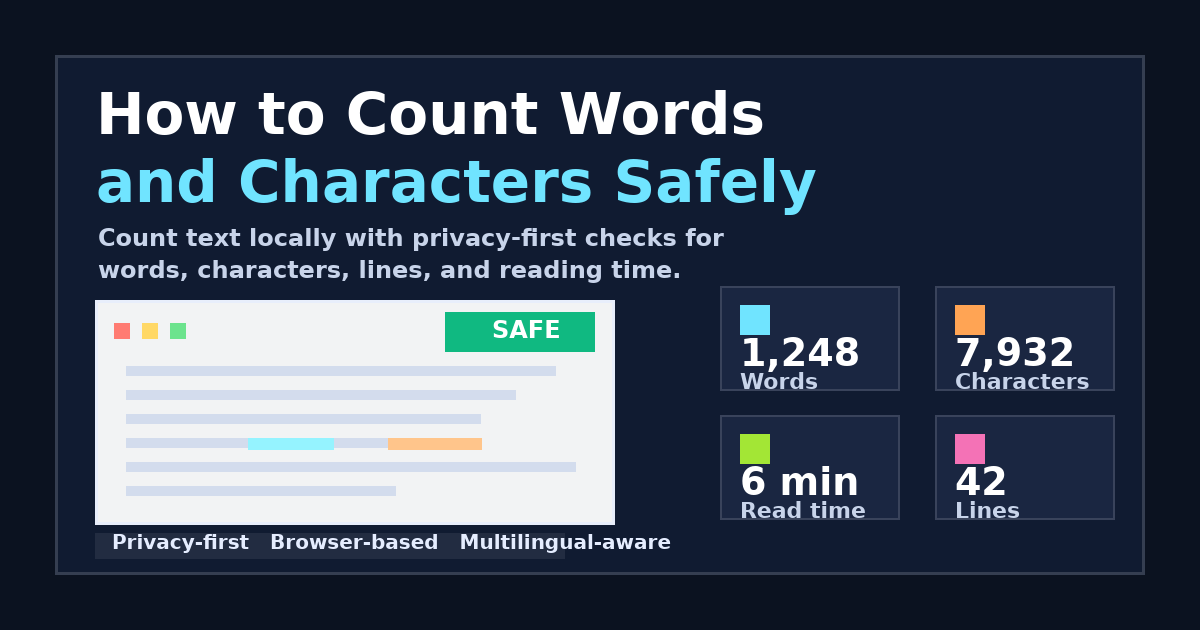
How to Count Words and Characters Safely in the Browser
Learn how to accurately count words, characters, and sentences while keeping your data private using browser-based text analysis tools.
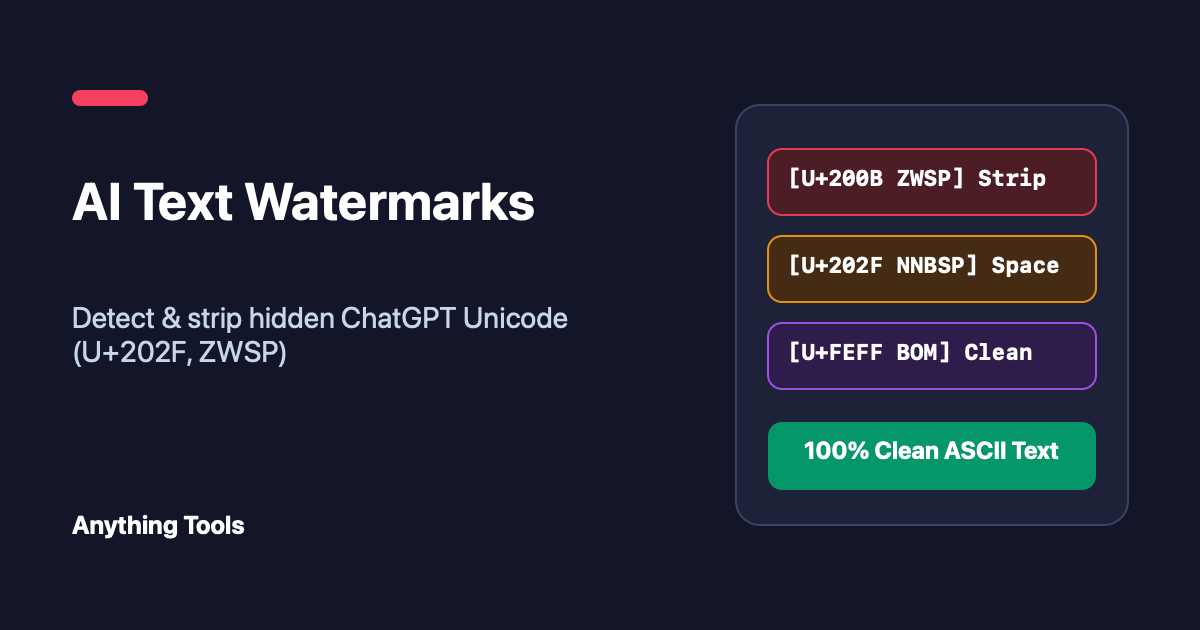
How to Detect and Remove Hidden ChatGPT & AI Text Watermarks (U+202F, Zero-Width Unicode Guide)
Learn what invisible Unicode characters ChatGPT, Claude, and Gemini embed in text (U+202F, U+200B, BOM, homoglyphs) and how to inspect and strip them in your browser.
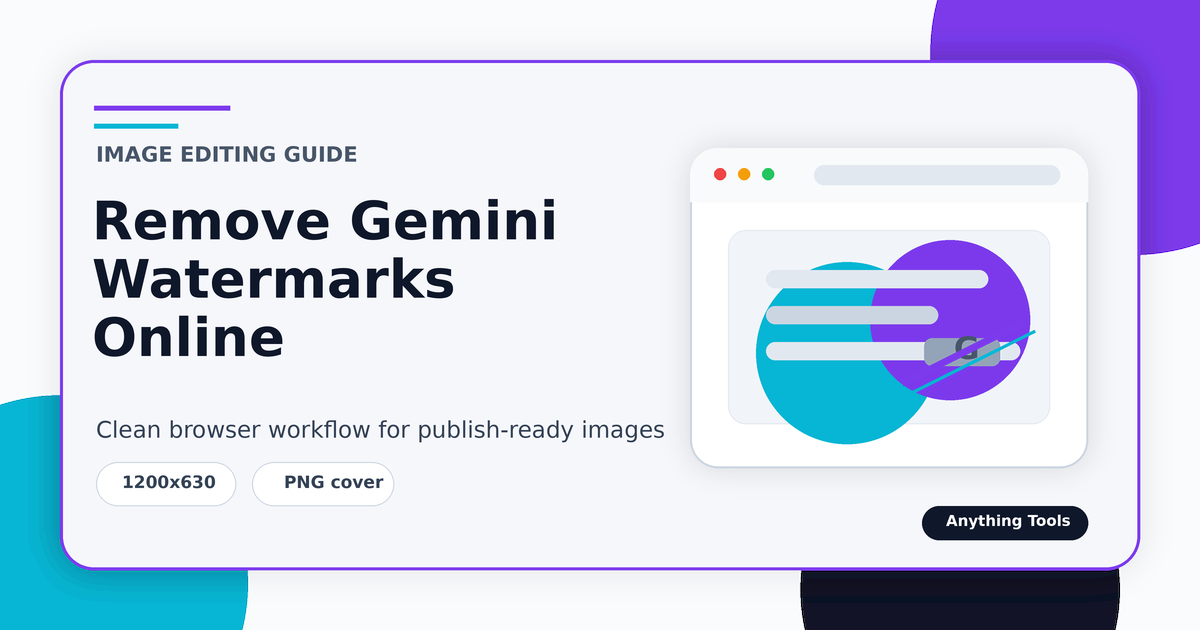
How to Remove a Gemini Watermark Online Safely
A practical guide to removing visible Gemini watermarks in the browser while preserving privacy, image quality, and realistic expectations.