
Markdown to HTML: A Clean Workflow for Publishing Content
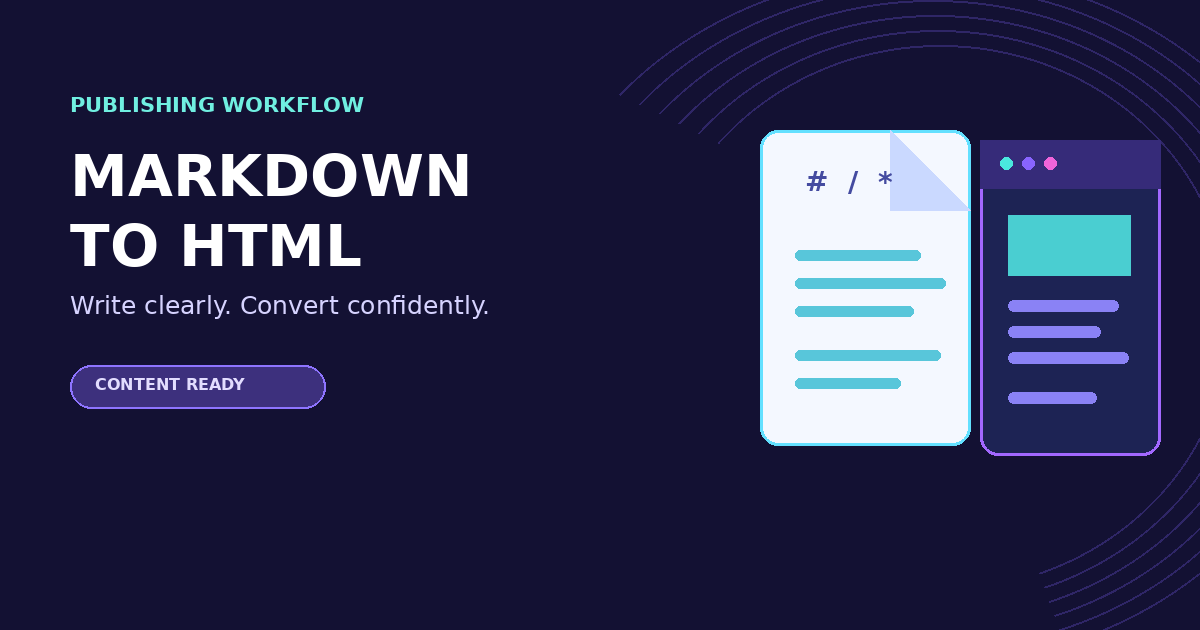
Markdown to HTML: A Clean Workflow for Publishing Content
Markdown lets you draft with simple, readable syntax; HTML gives a browser the structure it needs to publish that draft. Converting between them is most reliable when you treat the output as something to review, not as a black box.
Start with structured Markdown
Use headings in order, write descriptive link text, and keep lists consistent. A document with one clear # title and logical ## sections is easier to scan before and after conversion. Avoid using blank lines or repeated punctuation to imitate layout: semantic structure survives conversion better.
Convert and review the output
Paste the draft into the Markdown to HTML tool. Check that headings become heading tags, links point to the intended pages, and lists remain lists. If you are preparing a short page, caption, or release note, use the Text Counter to keep the length within its limit before publishing.
Check links and special content
Preview any image, table, code block, or quoted text in the final environment when possible. Markdown flavors vary: a feature that works in one editor may not render in another. Keep raw HTML limited to cases where Markdown cannot express the needed structure, and verify that it is allowed by the publishing system.
Keep accessibility in the draft
Good conversion begins with good source text. Use meaningful headings instead of bold paragraphs that look like headings. Give links a purpose instead of writing “click here.” For images, add helpful alternative text where the publishing system supports it. These choices make the document easier to read and more resilient when its design changes.
A final publishing checklist
- Read the Markdown once for structure and plain-language clarity.
- Convert it and inspect headings, links, lists, and code blocks.
- Preview it on the destination platform.
- Check the title, description, and length against the page goal.
- Keep the Markdown source so future edits remain easy.
Conclusion
Markdown-to-HTML conversion should preserve meaning, not just produce tags. A brief source-and-preview review gives you cleaner pages, fewer broken links, and content that is easier to maintain.
Related Posts
Compare Text Differences Online: A Simple Review Workflow
Learn how to compare two text versions in the browser, review edits safely, and clean repeated lines before sharing the final copy.
Format Multilingual Text Spacing Online: A Clean Publishing Workflow
Clean inconsistent spaces in multilingual copy, handle CJK and Latin text carefully, and prepare readable text without changing its meaning.