

How to Optimize Blog Images for SEO in 2026

How to Optimize Blog Images for SEO in 2026
Blog images are not just decoration. If handled well, they improve page speed, accessibility, context, and image search visibility. If handled badly, they create heavier pages and weaker SEO signals.
This article is a practical checklist for improving blog image SEO in 2026.
Why blog image SEO matters
Search engines do not understand images the same way humans do. They depend on surrounding signals such as:
- file names
- alt text
- captions
- nearby headings and paragraphs
- image size and loading speed
- page layout stability
That means image SEO is not a single trick. It is a combination of performance, context, and clarity.
1. Use descriptive file names
Before uploading an image, rename it to describe the content clearly.
Bad examples:
IMG_2048.jpgbanner-final-final.pngseo-image-1.webp
Better examples:
optimize-blog-images-for-seo.jpgresponsive-blog-image-example.webpalt-text-example-for-article.png
Use lowercase words and hyphens. Avoid random numbers unless they have meaning.
2. Write useful alt text
Alt text should help humans first and search engines second.
Weak alt text:
alt="SEO image"
Better alt text:
alt="Checklist showing blog image SEO steps such as compression, alt text, and responsive sizing"
Good alt text should:
- describe the image naturally
- match the surrounding section
- avoid keyword stuffing
- stay concise and specific
If the image is decorative only, use empty alt text.
3. Compress images before publishing
Large images hurt page speed. For most blog workflows, the original export from a camera or design tool is much larger than necessary.
Before publishing:
- compress the image
- remove unnecessary metadata when possible
- keep a sensible quality level
- avoid uploading files that are much larger than the display size
If needed, use our image tools to convert and compress assets before publishing.
4. Choose the right format
Different image types need different formats.
| Type | Recommended format | Notes |
|---|---|---|
| Photos | WebP or AVIF | Smaller size, better performance |
| Screenshots | PNG or lossless WebP | Better text clarity |
| Logos/icons | SVG | Best for sharp scalable graphics |
| Transparent graphics | WebP or PNG | Depends on compatibility |
For most blog images, WebP is a good default.
5. Resize images to the real layout
A 4000px-wide file is unnecessary if the content area only displays the image at 900px.
As a rule of thumb:
- inline blog images: around 800-1200px wide
- featured images: around 1200-1600px wide
- only generate larger variants when they have a real purpose
6. Use responsive images and explicit dimensions
Responsive images reduce unnecessary downloads on smaller screens.
At the same time, adding width and height helps reduce layout shift.
Even if your framework handles most of this for you, the source asset should still be prepared with realistic dimensions.
7. Keep images close to relevant text
Search engines use surrounding text to understand images.
If a section is about alt text, the related image should illustrate alt text. If a section is about compression, the image should support that topic.
Context matters more than simply inserting more images.
8. Make featured images share-friendly
Your cover image often becomes the preview image on social platforms.
Good featured images should:
- remain clear at smaller sizes
- work well with crops
- be readable in preview cards
- support the article topic clearly
A weak preview image can lower clicks even when rankings are strong.
Publishing checklist
Before publishing a new blog article, check the following:
- rename the file descriptively
- compress the image
- choose an appropriate format
- resize to a realistic width
- add meaningful alt text
- keep the image near relevant text
- make sure the cover image works for sharing
- link the article to relevant tool pages
Related pages on Anything Tools
This topic should naturally link to pages such as:
/image/converter/image/compressor/image/resizer
That makes the article useful both for readers and for internal linking.
Related Posts
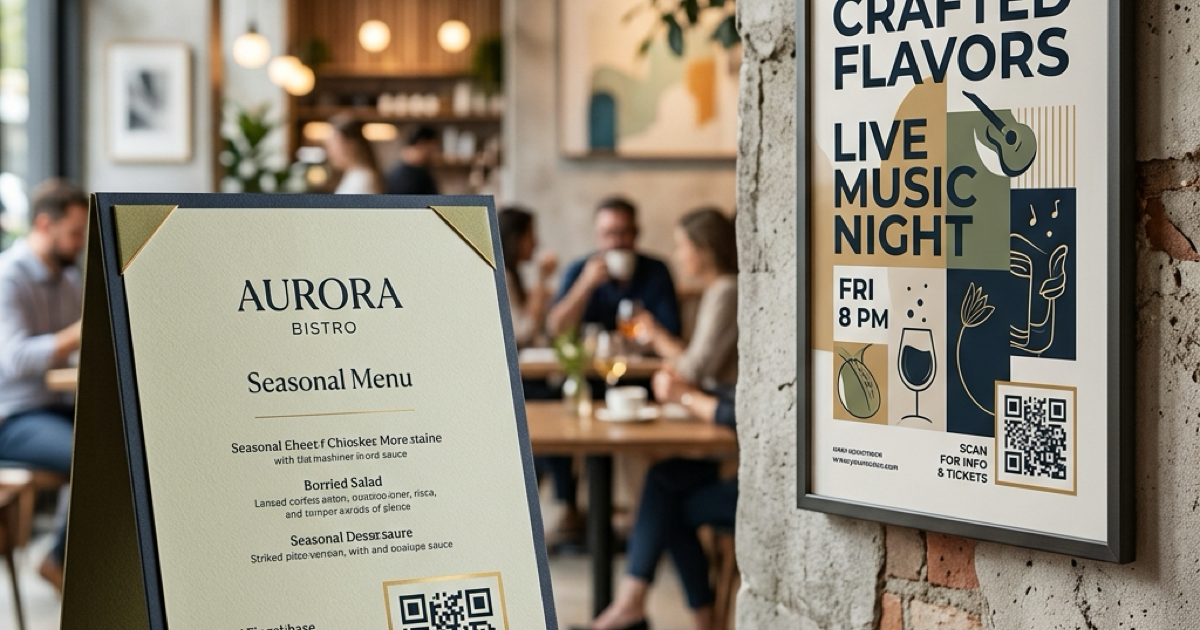
So erstellen Sie QR-Codes für Speisekarten und Poster: Ein kompletter Leitfaden
Stärken Sie Ihr Geschäft, indem Sie individuelle QR-Codes für Ihre Speisekarten und Veranstaltungsplakate erstellen. Erfahren Sie, wie Sie im Jahr 2026 sichere und hochwertige QR-Codes generieren.
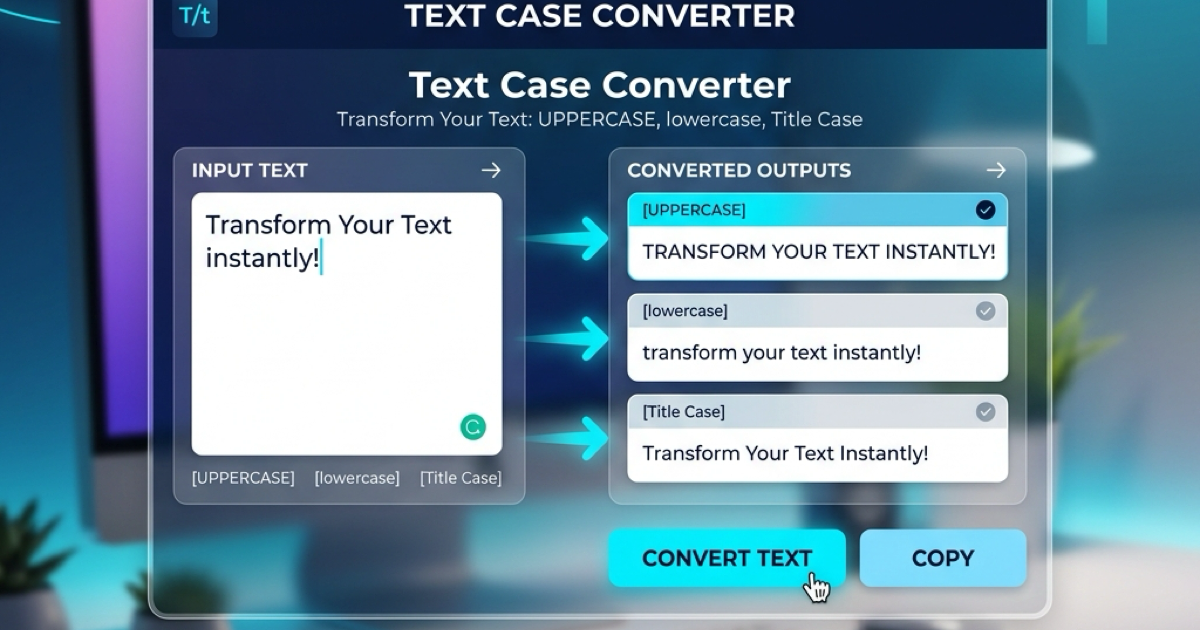
So verwenden Sie den Groß-/Kleinschreibung-Konverter für eine bessere Inhaltsformatierung
Erfahren Sie, wie Sie Text sofort zwischen Großbuchstaben, Kleinbuchstaben, Titelformat und mehr umwandeln können. Verbessern Sie Ihren Schreibworkflow mit unserem Online-Textkonverter.