

How to Inspect C2PA Credentials and EXIF Metadata in AI-Generated Images
How to Inspect C2PA Credentials and EXIF Metadata in AI-Generated Images
As generative image models become nearly indistinguishable from studio photography, editors, designers, and researchers increasingly need a reliable way to verify where a file came from. Instead of relying on guesswork, a structured browser check looks at three distinct layers: cryptographic provenance (C2PA), embedded metadata (EXIF/XMP/PNG chunks), and visual pixel heuristics.
Layer 1: Cryptographic C2PA Content Credentials
Major platforms including OpenAI (DALL·E), Adobe Firefly, Google Gemini, and Leica/Sony cameras embed C2PA (Coalition for Content Provenance and Authenticity) manifests inside exported files. When you drop an image into the AI Image Detector, it scans JUMBF boxes for signed assertions that record the generator name and editing history.
Layer 2: EXIF, XMP, and PNG Generation Parameters
Local and open-weight workflows such as Stable Diffusion (Automatic1111, ComfyUI, Fooocus) and Midjourney often write generation parameters directly into PNG text chunks (parameters, prompt, workflow) or EXIF Software and UserComment fields. Inspecting the file in the AI Image Detector reveals these tags instantly without uploading private drafts to a third-party server.
Layer 3: What Happens After Cropping, Watermark Removal, or Format Conversion
Metadata is fragile. Re-saving an image on social media or passing it through the Image Converter often strips C2PA manifests and EXIF chunks. Similarly, when cleaning visible corner badges on authorized creative assets with the Gemini Watermark Remover, the exported canvas produces a fresh bitmap. That is why the detector pairs metadata checks with pixel-level frequency and texture analysis when file headers have been cleared.
Best Practices for Editorial Verification
Always inspect the earliest original file you can obtain rather than a chat screenshot or recompressed thumbnail. Treat a positive C2PA or generator tag as strong provenance evidence, and treat pixel heuristics as a helpful signal for deeper review.
Related Posts
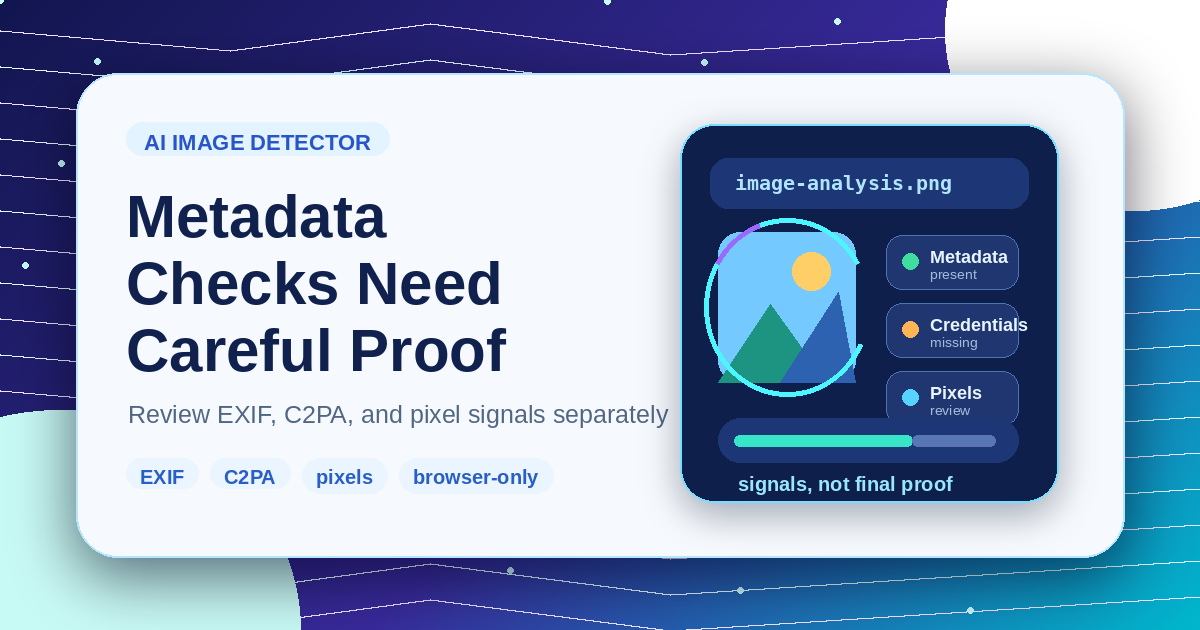
AI Image Detector Metadata Guide: What Browser Checks Can and Cannot Prove
Understand metadata, content credentials, and pixel heuristics before treating an AI image detector result as evidence.

How to Prepare Gemini Images for Publishing Without Quality Loss
A publishing workflow for Gemini images: inspect the source, handle visible watermarks, resize carefully, compress last, and export the right format.