

How to Create CSS Gradients Online: A Practical Design Workflow
How to Create CSS Gradients Online: A Practical Design Workflow
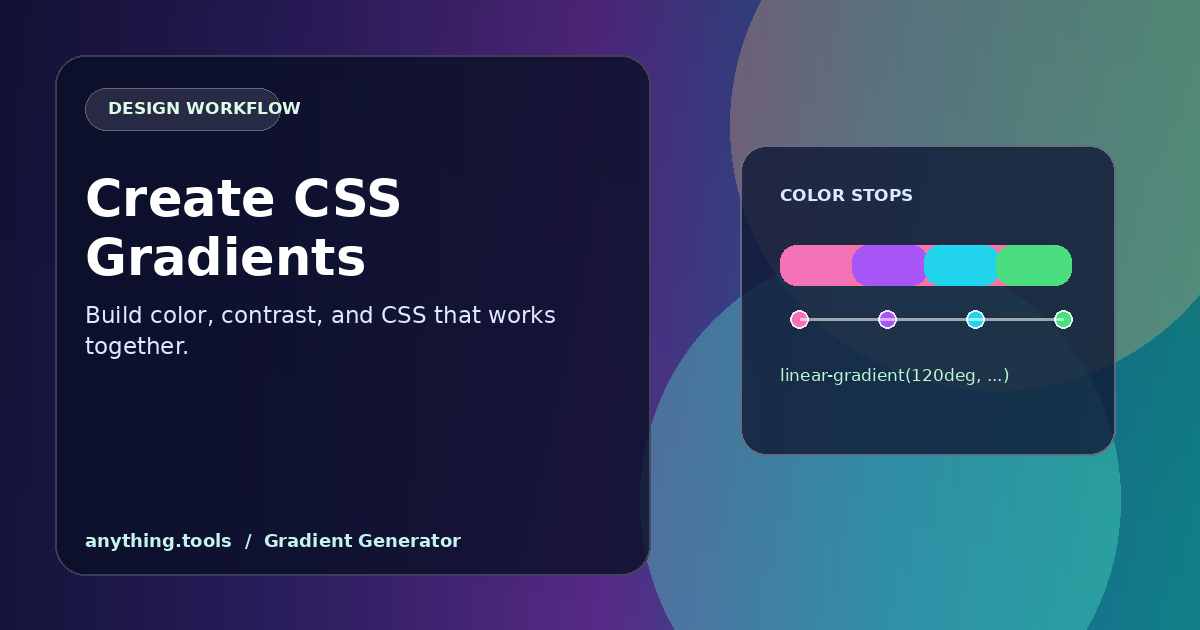
Gradients can add depth and direction to an interface, but random colors often make text difficult to read. A good gradient starts with a job: separate a section, guide attention, or create a quiet background for content.
Choose the gradient type
A linear gradient is useful for banners, cards, and directional movement. A radial gradient draws attention toward a point and works well behind an illustration. Start with two colors; add a third stop only when it improves the transition.
Build it in a browser
Open the Gradient Generator, choose a direction, and adjust the color stops while checking the preview. Use the Color Picker to sample a brand color from an existing asset, or the Color Converter when you need a CSS-ready color value.
Keep text readable
Place real heading and button text over the preview, not only placeholder shapes. If contrast feels weak, darken the background behind light text, reduce saturation near the copy, or add a subtle overlay. Avoid using a gradient as the only signal for an action or status.
Make the result reusable
Copy the generated CSS, then give the gradient a semantic name such as --surface-accent rather than --blue-gradient-2. Test it on narrow screens and alongside images: a balanced desktop background can become distracting when cropped on mobile.
Conclusion
The best gradients support content instead of competing with it. Use a focused palette, test contrast with real copy, and save the CSS as a reusable design token.
Related Posts
Die Besten Kostenlosen Online-Farbwähler-Tools in 2026
Entdecken Sie die besten kostenlosen Online-Farbwähler für Designer und Entwickler. Vergleichen Sie Funktionen, Formate und Barrierefreiheitsprüfungen.
CSS-Verläufe online erstellen: Ein praktischer Design-Workflow
Erstelle CSS-Verläufe online mit bewussten Farbstopps, gut lesbarem Kontrast und wiederverwendbarem CSS.