

How to Prepare Images Before Exporting Them to PDF
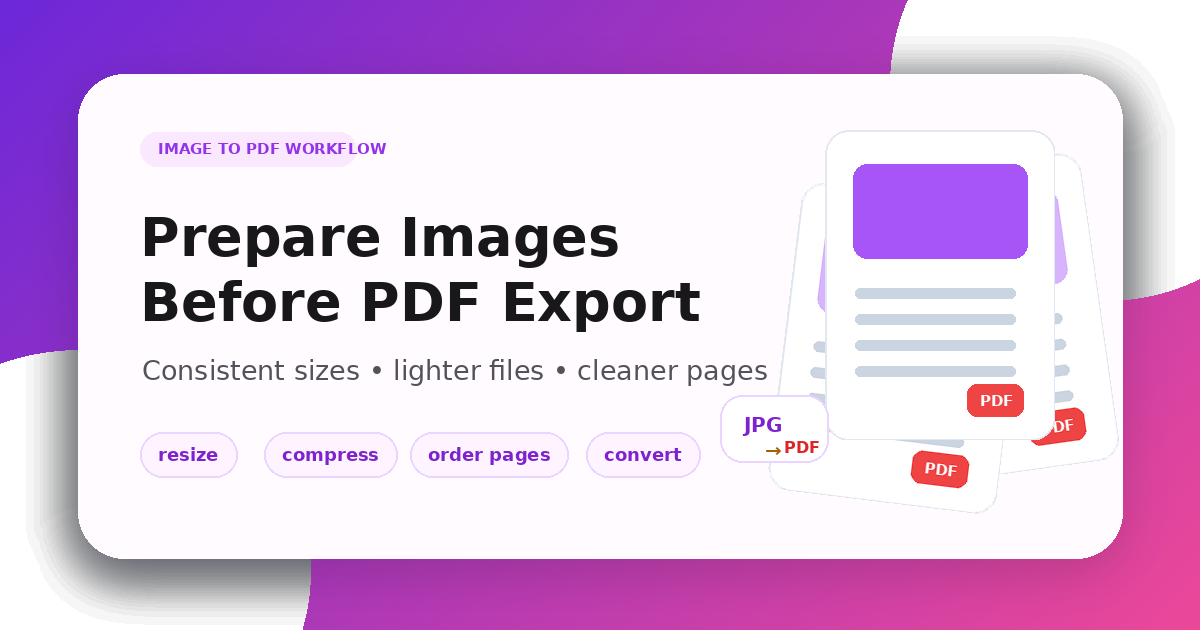
How to Prepare Images Before Exporting Them to PDF
Image-to-PDF workflows are common for receipts, forms, screenshots, scanned notes, product sheets, and design previews. The quality of the final PDF depends heavily on how the images are prepared before export.
Use the Image Resizer to make dimensions consistent, the Image Compressor to reduce heavy files, and the Image Converter when the source format is not ideal.
Decide the PDF purpose first
A PDF for email should be compact. A PDF for print needs more resolution. A PDF for internal review should be easy to open and share.
Before exporting, decide whether your priority is:
- small file size
- print quality
- readable text
- consistent page layout
- easy sharing by email or chat
This decision controls the image size and compression level.
Resize images to a consistent page shape
Mixed image sizes can create awkward PDF pages: one page may look zoomed in, another may have huge margins, and another may be too wide.
Prepare images with a consistent size or ratio before export. For screenshots and documents, preserve text readability. For photos, keep enough resolution without using the original camera size if the PDF is only for screen viewing.
Compress before combining
If you combine several large images into one PDF, the final file can become difficult to send. Compress each image before export so the PDF stays manageable.
Use stronger compression for casual sharing. Use lighter compression when the PDF contains product details, labels, diagrams, or small text.
Convert formats when needed
Some image formats are better for PDF workflows than others:
- JPG is efficient for photos and scans
- PNG is useful for screenshots, UI images, and transparency
- WebP or HEIC may need conversion before a PDF tool accepts them
If a file is not accepted by your PDF workflow, convert it first with the Image Converter.
Image-to-PDF preparation checklist
Before exporting, check:
- Are the images in the correct order?
- Do pages use a consistent size or ratio?
- Is text still readable after resizing?
- Are file sizes compressed enough for sharing?
- Are unsupported formats converted?
- Are rotated images corrected?
Final thoughts
A clean PDF starts before the export step. Resize for consistent pages, compress to avoid oversized documents, convert unsupported formats, and preview the result before sending it.
Related Posts
AVIF vs WebP: Which Image Format is Best for 2026?
A comprehensive comparison of AVIF and WebP image formats. Learn about compression, quality, browser support, and which one you should use for your website.
How to Compress Images for Faster Page Speed
A practical workflow for smaller pages, cleaner Core Web Vitals, and fewer visual artifacts.