Markdown to Image Converter
Markdown Input
Paste Markdown, GFM tables, or AI chat responses
Card Theme & Canvas Layout
Live Card Preview
Width 640px · Export at 2x Retina DPI
Type or paste Markdown on the left to preview your card
How to Convert Markdown to a Shareable Image
Paste Markdown or Upload .md
Paste formatted Markdown from ChatGPT, Claude, DeepSeek, or your note app, including GFM tables, checklists, and code blocks.
Customize Card Theme & Size
Pick a typography theme (Modern Light, macOS Dark, Warm Paper), adjust the canvas width for mobile or desktop, and toggle header or footer badges.
Copy or Download Retina PNG/JPG
Click Copy Image to paste directly into chats and social posts, or download a 2x/3x high-DPI PNG, JPG, or SVG file.
Why Use Our Markdown to Image Generator?
Related Posts
How to Convert ChatGPT Session JSON Safely in Your Browser
Convert ChatGPT auth session JSON into Sub2API, CPA, Cockpit, 9Router, Codex, and AxonHub formats locally in the browser without exposing tokens.
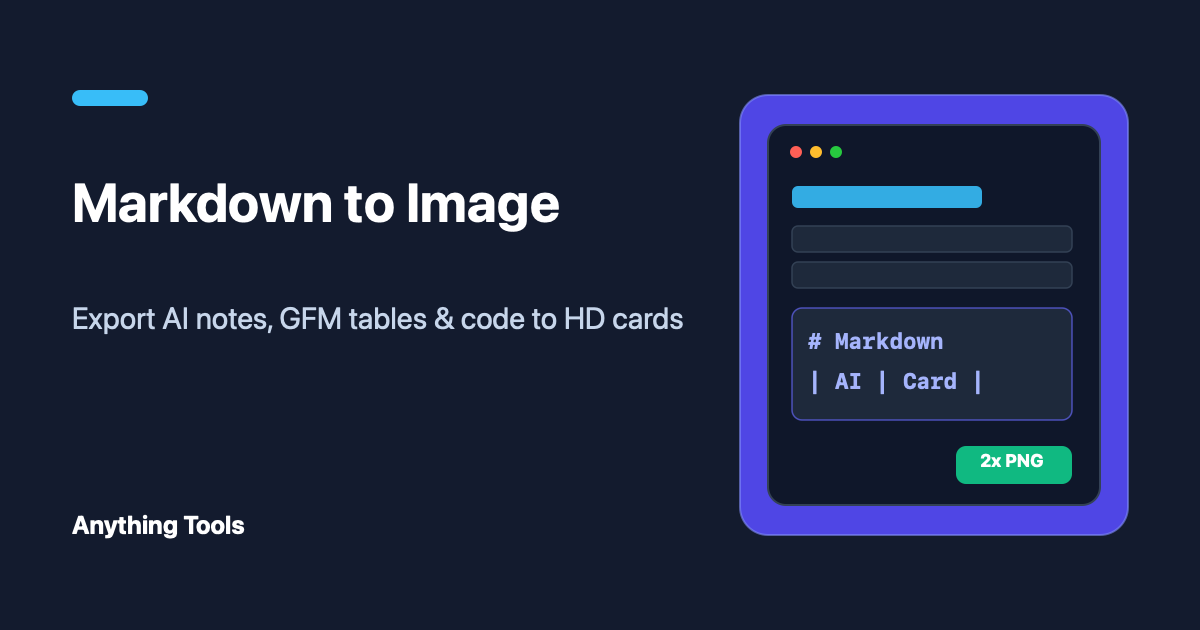
How to Convert Markdown & AI Responses to Shareable Images (2026 Guide)
Learn how to turn Markdown notes, GFM tables, and ChatGPT/Claude/DeepSeek responses into high-resolution PNG, JPG, and SVG social cards in your browser.
Markdown to HTML: A Clean Workflow for Publishing Content
Turn Markdown into reviewable HTML with a simple workflow for headings, links, previews, and final checks.